What Is the CABYS Code and How to Choose the Right One for Your Products
CABYS is the 13-digit code Hacienda requires on every invoice line, and it sets the VAT rate. How to choose it and avoid rejections.
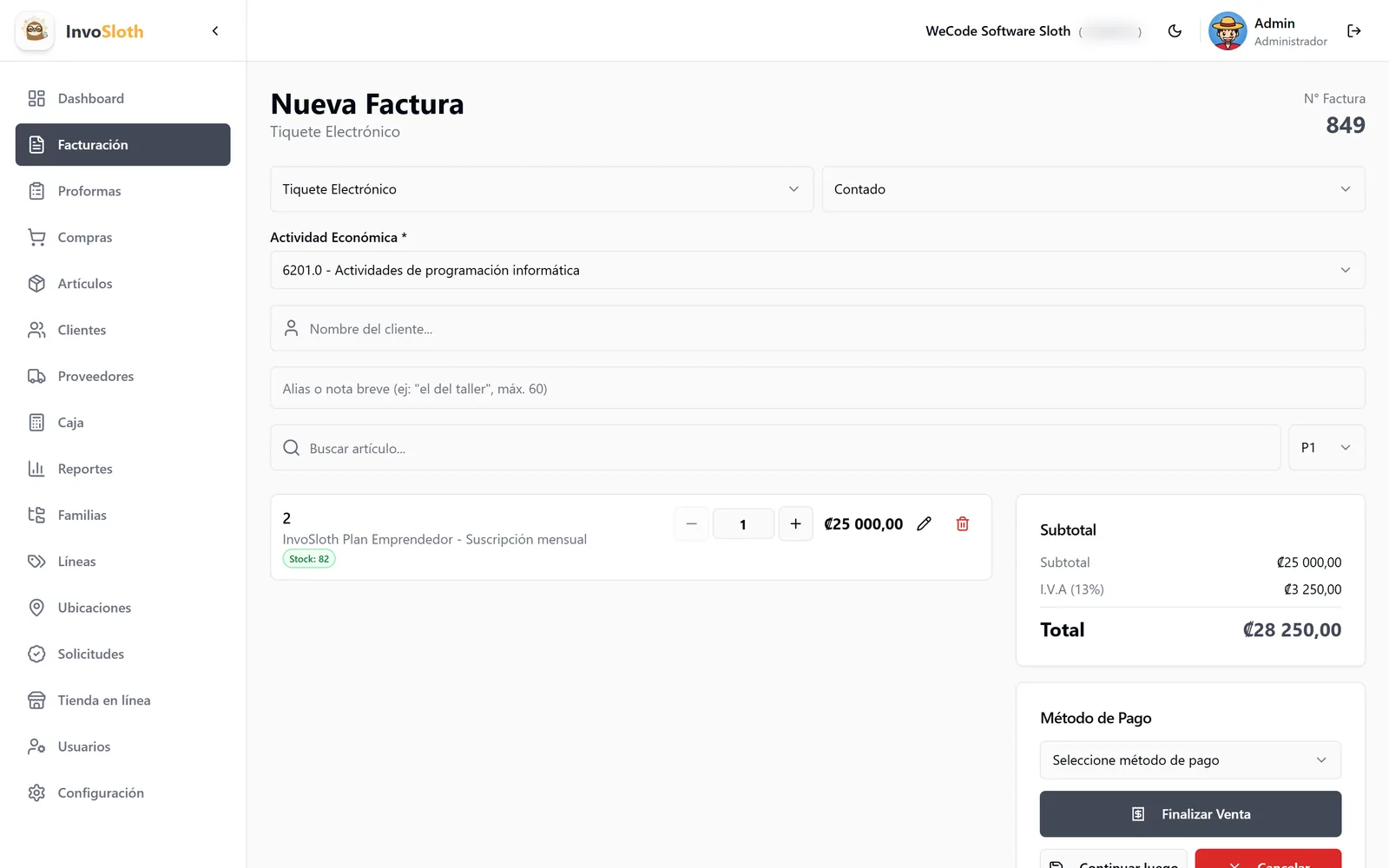
Every line of every electronic document you issue in Costa Rica carries a CABYS code. It's one of the most confusing fields and one of the most frequent causes of rejection. Here's what it is and how to handle it easily.
What CABYS is
CABYS stands for Catalog of Goods and Services. It's an official list, published by the Central Bank, in which each product or service has a 13-digit code. Hacienda uses it to know exactly what you are selling.
Why CABYS sets the VAT rate
Besides identifying the product, each CABYS code carries a VAT rate: 13% in most cases, or a reduced rate (1%, 2% or 4%) or exemption for certain goods and services. If you invoice an item with a different rate than its CABYS, Hacienda rejects the document.
How to choose the right code
- Search for what the product is, not its brand: «fishing reel», not «Shimano 2500».
- Go from general to specific: the catalog is organized by categories; pick the most precise code that describes your product.
- Check the VAT rate that comes with the code before saving it.
- If you're torn between two codes, ask your accountant: a wrong choice repeats on every sale of that item.
Tips for large catalogs
- Group your items by family (for example «lures» or «reels»): they almost always share the same CABYS.
- Use a missing CABYS filter so none are left pending before you sell.
- When you add new products, assign the CABYS at the same time you set the price.
In InvoSloth, CABYS lives on each item record and the item list has a «No CABYS» filter to find the ones missing. When you sell, VAT is calculated from that rate. If a document still gets rejected, check the 5 most common mistakes.