Why Hacienda Rejects an Electronic Invoice: 5 Common Mistakes
The most frequent Hacienda rejections and how to avoid them: CABYS and VAT rate, customer details, economic activity, discounts and purchase invoices.
A rejected document isn't the end of the world: you fix it and resend it. But if they pile up, at month-end your sales don't match what you report. After supporting businesses with thousands of documents, these are the rejections we see most.
1. CABYS and VAT rate don't match
The item has a reduced-rate CABYS and is invoiced at 13%, or vice versa. Fix it on the item record, not on the sale. See what the CABYS code is.
2. Incomplete customer details
An invoice without a valid ID or with the wrong ID type (individual, corporate, DIMEX or NITE). If the customer doesn't have their details at hand, issue a ticket.
3. Wrong economic activity
The issuer's or receiver's activity doesn't match the one registered with Hacienda. The codes changed with the CIIU 4 classification: make sure your system uses the new ones.
4. Miscalculated discounts
The discount, subtotal and tax on each line must match to the cent. This happens mostly with percentage discounts when the system rounds differently at each step.
5. Responding to purchase invoices issued to another ID
Only the receiver of a document can accept or reject it. If a supplier invoiced another person's or company's ID, ask them to cancel it and issue a new one.
Rejections in plain sight
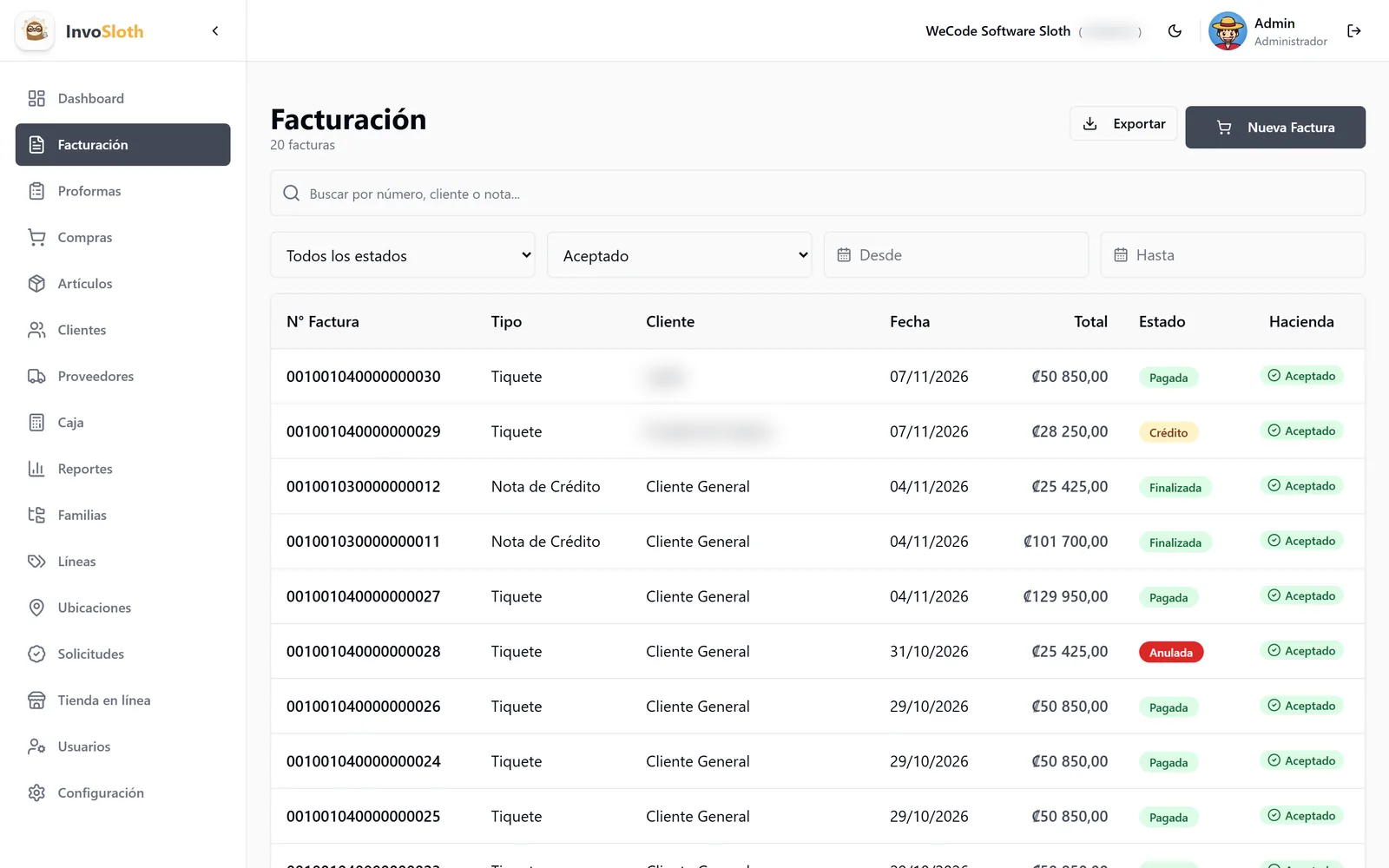
In InvoSloth every document shows its Hacienda status, you can filter rejected ones and fix them from the detail page before resending. To prevent them from the start, go through the checklist for worry-free invoicing.