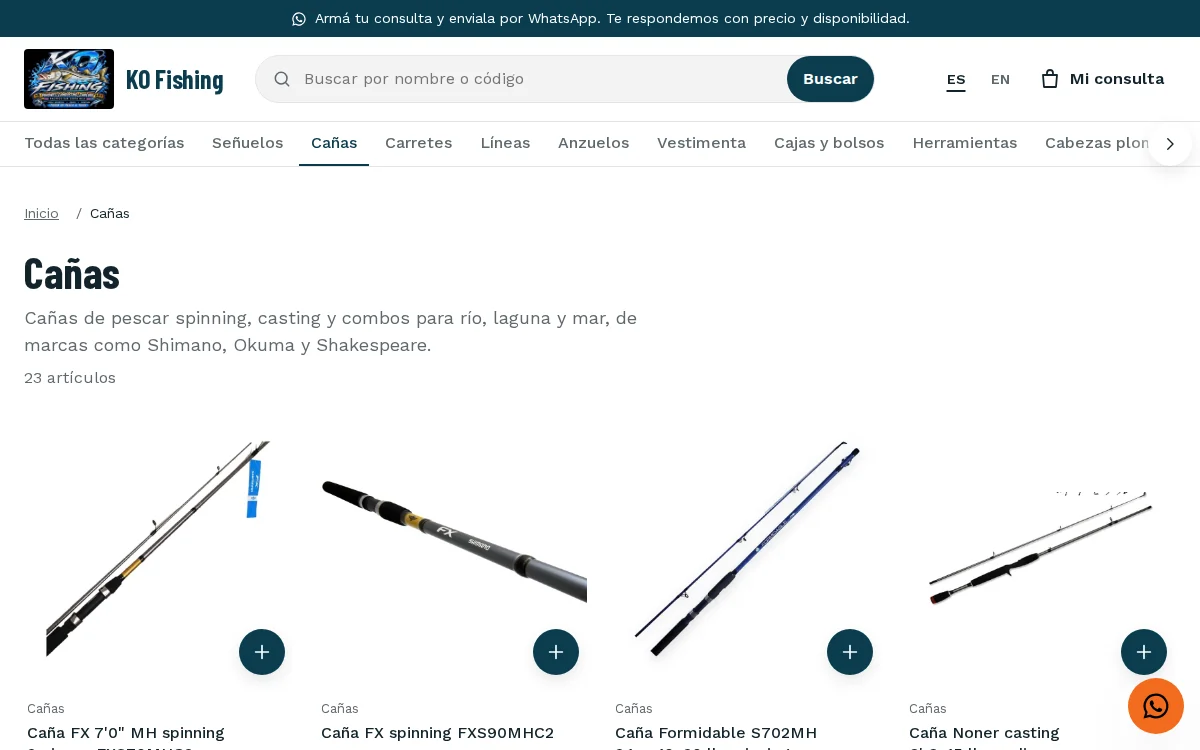
KO Fishing
Fishing gear in Conte, Golfito, Southern Zone: lures, rods and reels with photos and WhatsApp inquiries.
InvoSloth Store
Publish your items with photos and prices. Customers build their inquiry and send it to your WhatsApp with one tap. You confirm, charge via SINPE and invoice in InvoSloth.
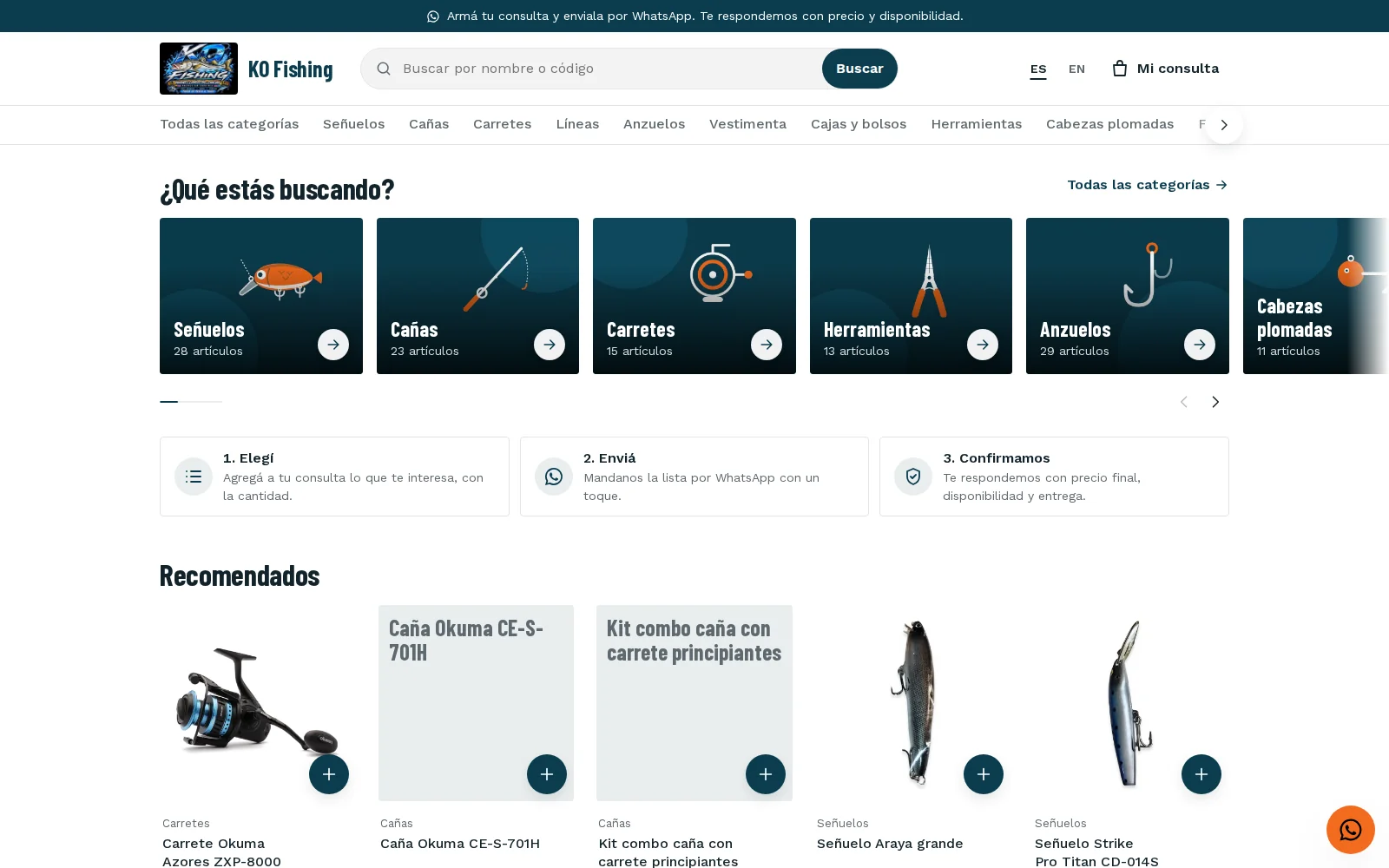
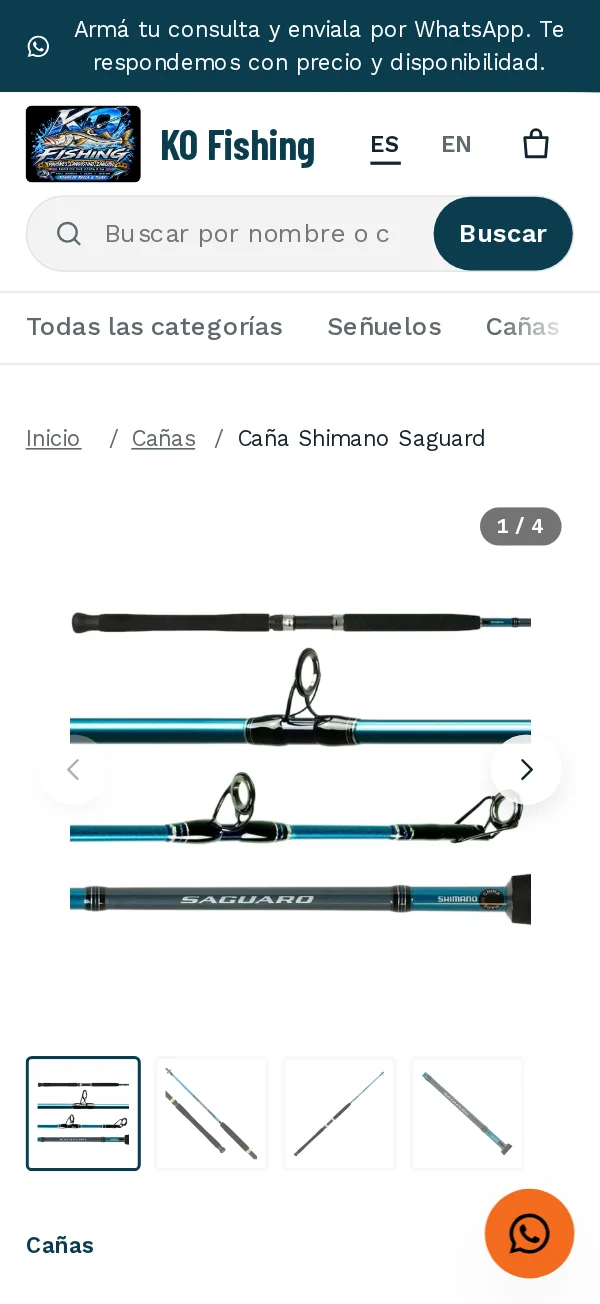
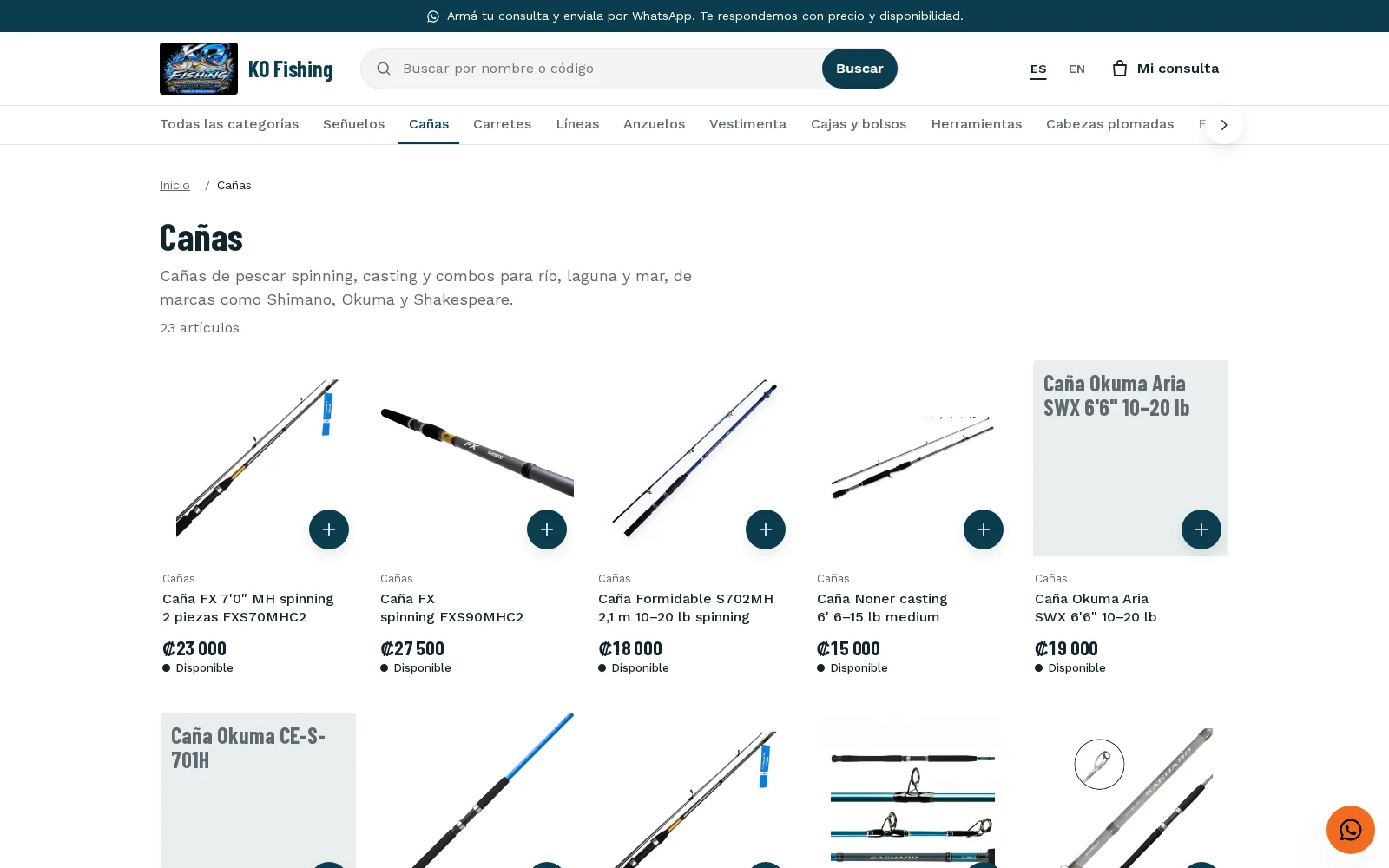
Items, prices and families come from your inventory. Publish with a switch, without entering everything twice.
The store shows availability without revealing quantities. Sold-out items go last with a button to ask when they arrive.
"My inquiry" works like a cart: quantities, a reference total and a ready-made message to your WhatsApp number.
Your logo, colors and typography. A home page with photos, featured categories and best-selling items.
Works on your own domain, with sitemap, structured data and link previews so your products show up on Google.
Turn on English to sell to tourists and expats. Translations are written by hand so they sound natural.
Most of your customers arrive from WhatsApp or Instagram on their phone. The store is designed for one hand.
Opening hours, address, social links and buttons to reach your shop with Waze or Google Maps.

Costa Rican businesses that publish their inventory in their own store and receive inquiries on WhatsApp.
Fishing gear in Conte, Golfito, Southern Zone: lures, rods and reels with photos and WhatsApp inquiries.
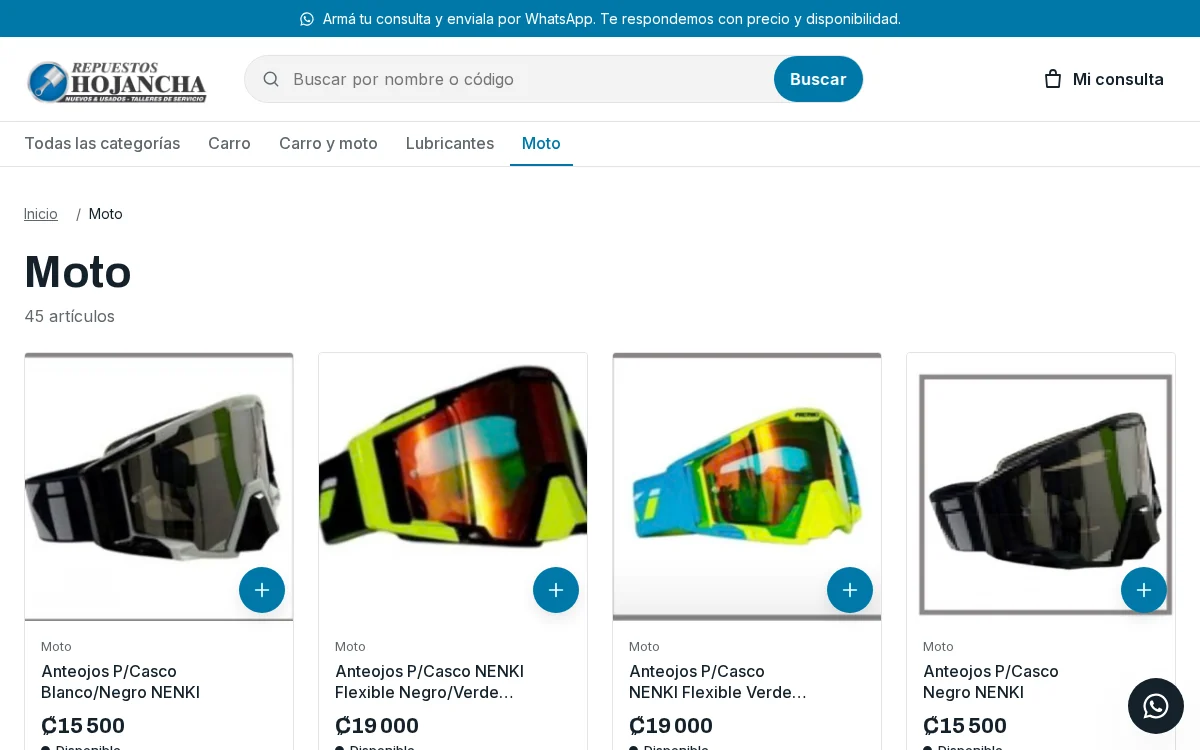
Car and motorcycle parts in Hojancha, Guanacaste, with its catalog by category and WhatsApp inquiries.
Store settings live in the same system you invoice with: choose which price to show, your WhatsApp number, the message greeting, languages and whether the store shows up in search engines while you finish it.
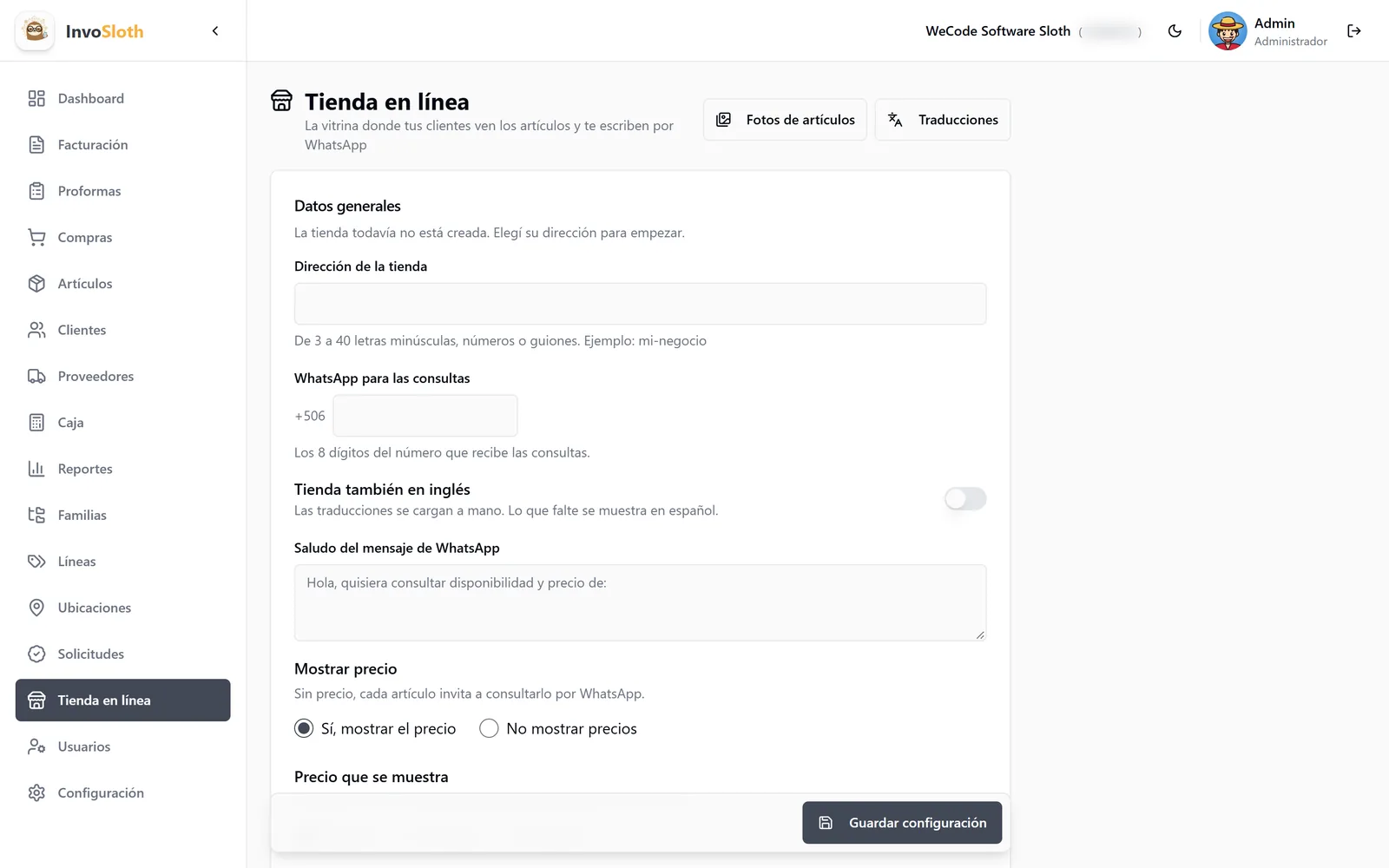
The sale is closed on WhatsApp: your customer sends the inquiry, you confirm price and delivery, and charge via SINPE Móvil or at your shop. No payment gateway fees and you keep the personal touch.
Yes. The store takes items, prices and availability from your InvoSloth inventory, so you don't have to maintain two catalogs.
Yes. Each business gets one store and can use its own domain, for example www.mybusiness.com.
No. It only shows whether an item is in stock or sold out, and you can mark items as made to order.
Yes. Every product has its own page with title, description, photo and structured data, and the store publishes its sitemap. While you are building it you can hide it from search engines.
Why Costa Rica sells through WhatsApp, when a showcase store beats online payments and why it must be connected to your inventory.
How to take product photos with your phone, write names people search for, show prices and availability, and organize your catalog by category.
Your own domain, one page per product, Search Console, Google Business Profile and a bilingual store: the steps to get found on Google.