Barcode Labels for Your Inventory: Thermal Rolls or Adhesive Sheets
How to label your inventory so you can sell by scanning: thermal roll labels, Avery adhesive sheets, POS printer receipts and invoice PDFs.
Selling by scanning is faster and avoids price mistakes at the register. But for that, every product needs a barcode the scanner can read. Here's how to label your inventory and which printing options you have, without investing in expensive equipment.
Why label your inventory
- Faster sales: the cashier scans and the product is added with the right price and VAT.
- Fewer mistakes: no more looking up similar products by name or typing prices from memory.
- Accurate inventory: every sale deducts the right unit, even for near-identical products like the same item in different colors.
Factory code or your own code
Many products already come with a factory barcode and can be scanned as is. For those that don't, or when it's better to use a single system for the whole shop, the system prints a label with each item's internal code, which the register's scanner recognizes instantly.
Thermal roll or adhesive sheet
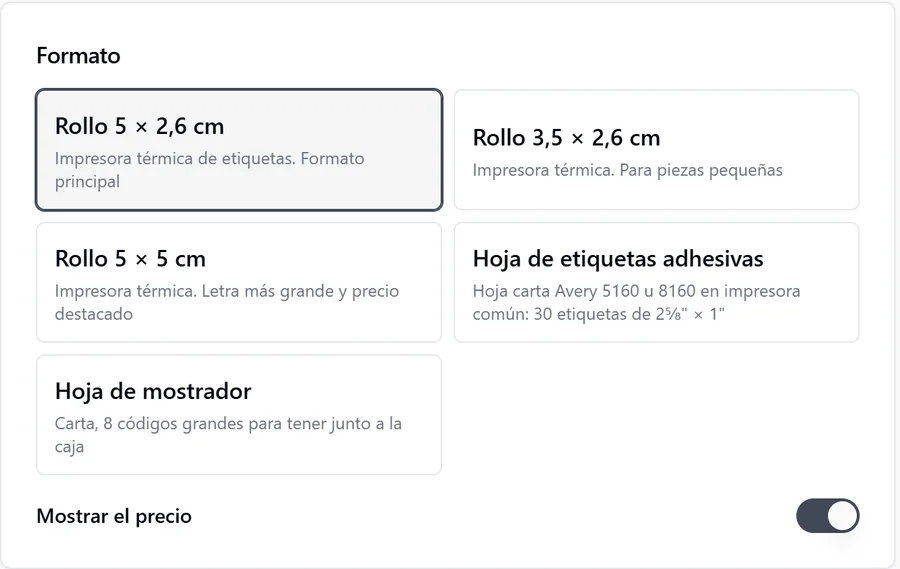
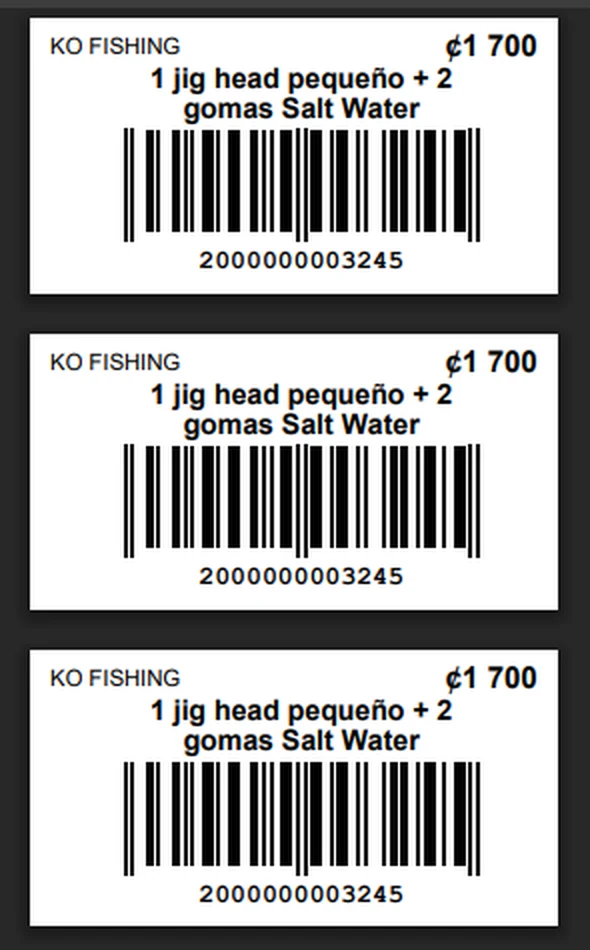
- Roll labels: for thermal label printers. The most practical option for daily labeling. Sizes of 5 × 2.6 cm, 3.5 × 2.6 cm for small items or 5 × 5 cm with a prominent price.
- Adhesive label sheets: letter-size Avery 5160 or 8160 sheets with 30 labels each, to get started without buying a label printer.
- Counter sheet: large codes to keep by the register for products that can't be labeled.
How to label your whole inventory without getting lost
Labeling hundreds of products at once is where most people give up. What works is doing it in batches, by family: lures today, reels tomorrow. A wizard that goes through items in stock, prints one label per unit and keeps track of what's already printed avoids repeating or skipping products.
POS printer receipts and invoice PDFs
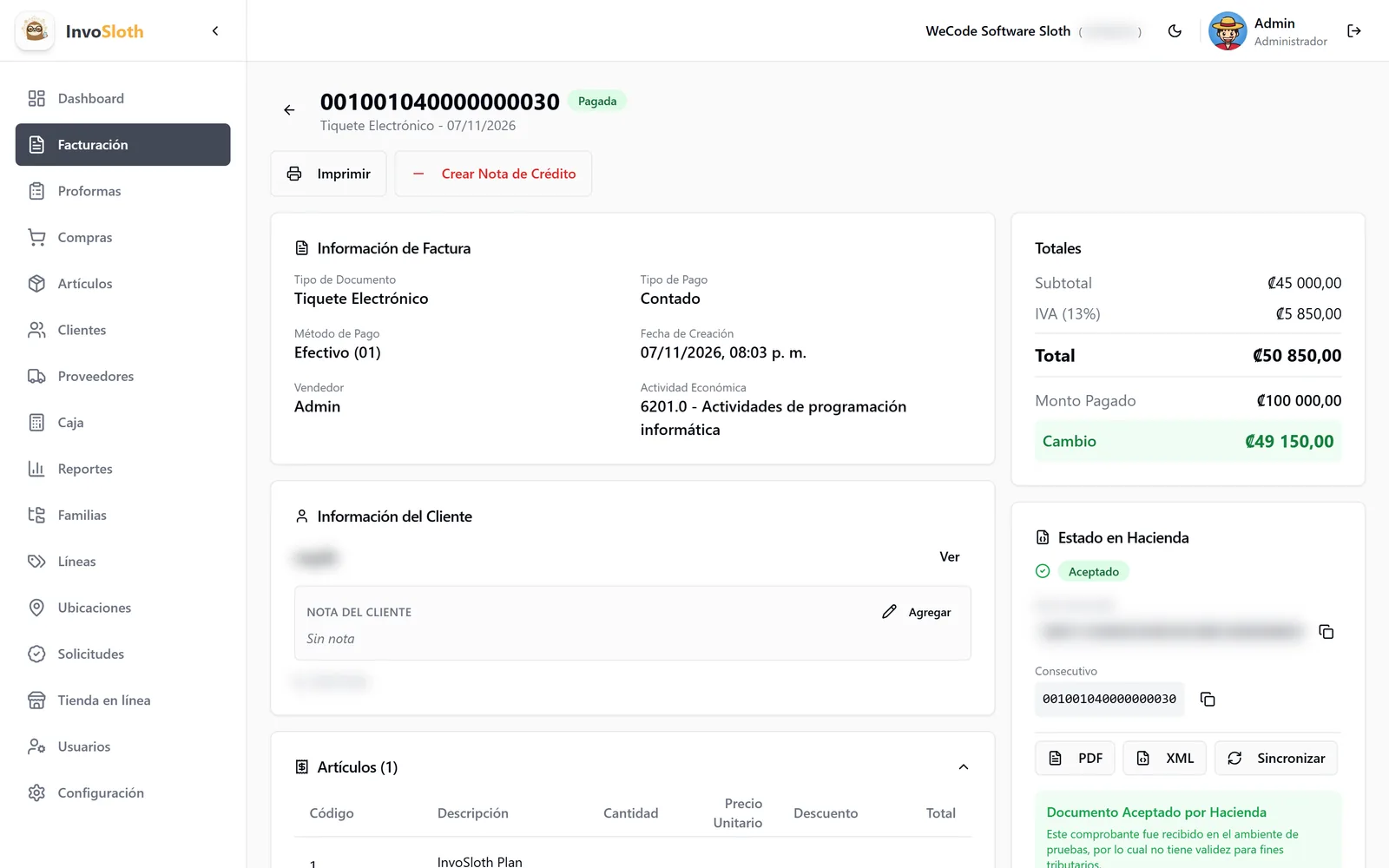
On the customer side, the same system prints invoices, tickets, quotes and payment receipts in 80 mm format for thermal point-of-sale printers. Every document also has its PDF and XML, and the customer receives the invoice PDF at the email address on file. For roll labels and receipts, a simple thermal printer is enough.
InvoSloth includes all these label formats, the inventory labeling wizard and receipt printing. See how KO Fishing in Conte, Golfito uses it.