Success Story: How KO Fishing in Conte, Golfito Organized Its Inventory and Opened an Online Store
KO Fishing, a fishing gear shop in Conte, Golfito, invoices with InvoSloth, sells by scanning barcodes and published its catalog online with WhatsApp orders.
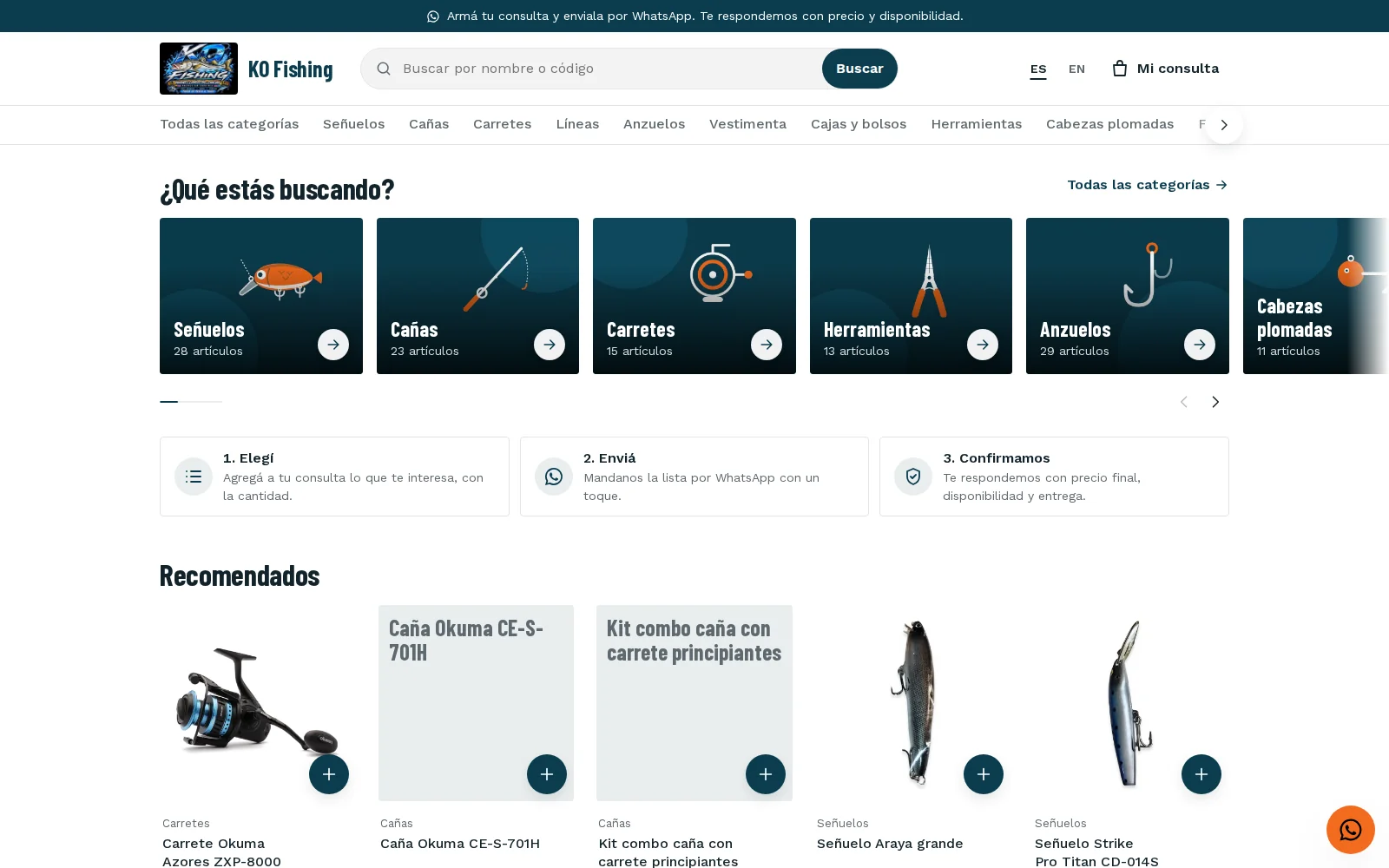
KO Fishing is a fishing gear shop in Conte, Golfito, in Costa Rica's Southern Zone, near the beaches of Zancudo and Pavones. It sells lures, rods, reels, lines, hooks, apparel and tools to local anglers and to visitors who come for sport fishing. Today the whole business runs on InvoSloth: electronic invoicing, inventory, labels and an online store in one system.
What KO Fishing uses in InvoSloth
- v4.4 electronic invoicing: tickets and invoices sent to Hacienda automatically, and credit notes for returns.
- Point of sale with barcode scanning: scan and sell in seconds, from a computer or a phone.
- Organized inventory: families, brands and locations, with low-stock alerts.
- Barcode labels: printed on rolls, with name and price.
- Reports: low stock and zero stock to know what to order from suppliers.
- Online store: its catalog published with WhatsApp orders, connected to the inventory.
The starting point
A fishing shop handles hundreds of small, similar products: the same lure in several colors, reels from different series of the same brand. Without an organized inventory it's hard to know what you have, where it is and what to order. And every sale has to go out with its electronic document to Hacienda.
1. An organized inventory
Before loading products, we organized the inventory in InvoSloth with three labels:
- Families: what the product is (reels, rods, lures, fishing lines).
- Lines: the brand or series, for example Shimano, Penn or Daiwa.
- Locations: where it's stored: the display case, a shelf or the storeroom.
With that, reports show all reels from one brand, and the register shows where to find each product. Each item also has its CABYS code, and the system calculates the price with VAT from its rate. When a product drops below its minimum, InvoSloth flags it as low stock.
2. Barcode labels
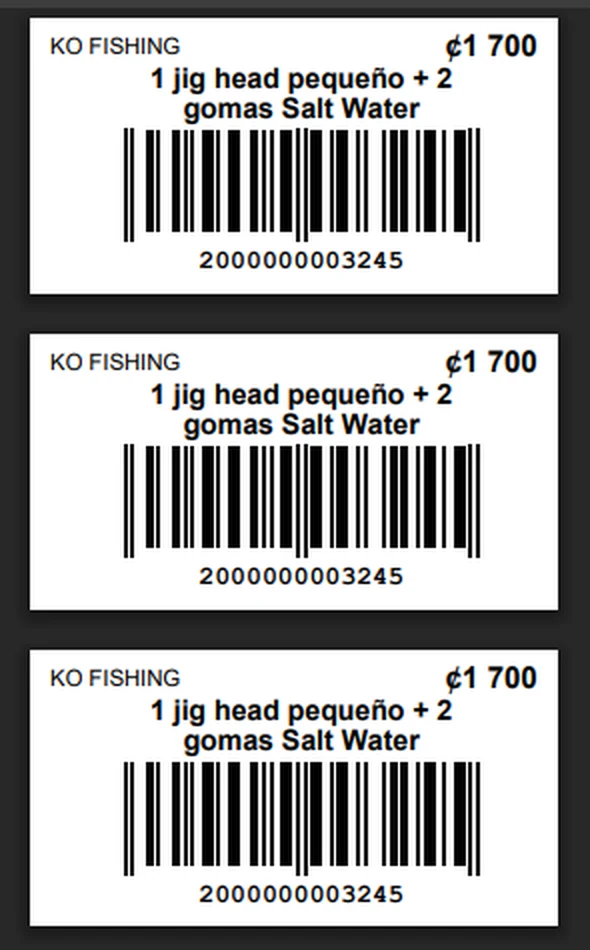
Products without a factory code get an adhesive label printed from InvoSloth on a thermal roll, with the item name, price and code. The label wizard goes through the inventory by family and prints one label per unit in stock. More in barcode labels.
3. Selling by scanning
At the register, the cashier scans with a reader or the phone camera; the product is added with its price, VAT is calculated automatically and inventory is deducted at checkout. Walk-in customers get an electronic ticket; if they ask for an invoice, it switches with one click and their details are added.
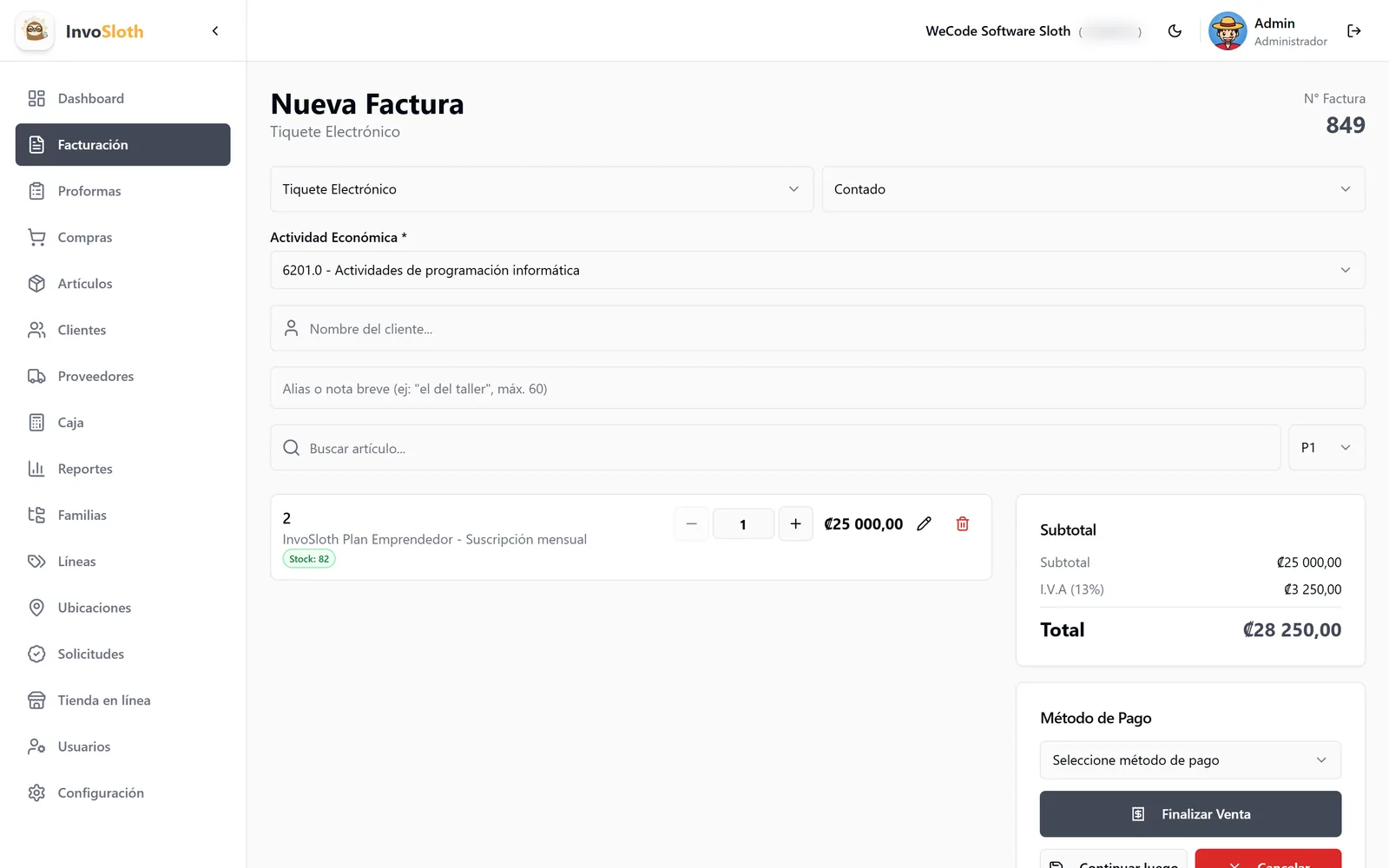
4. Every sale, accepted by Hacienda
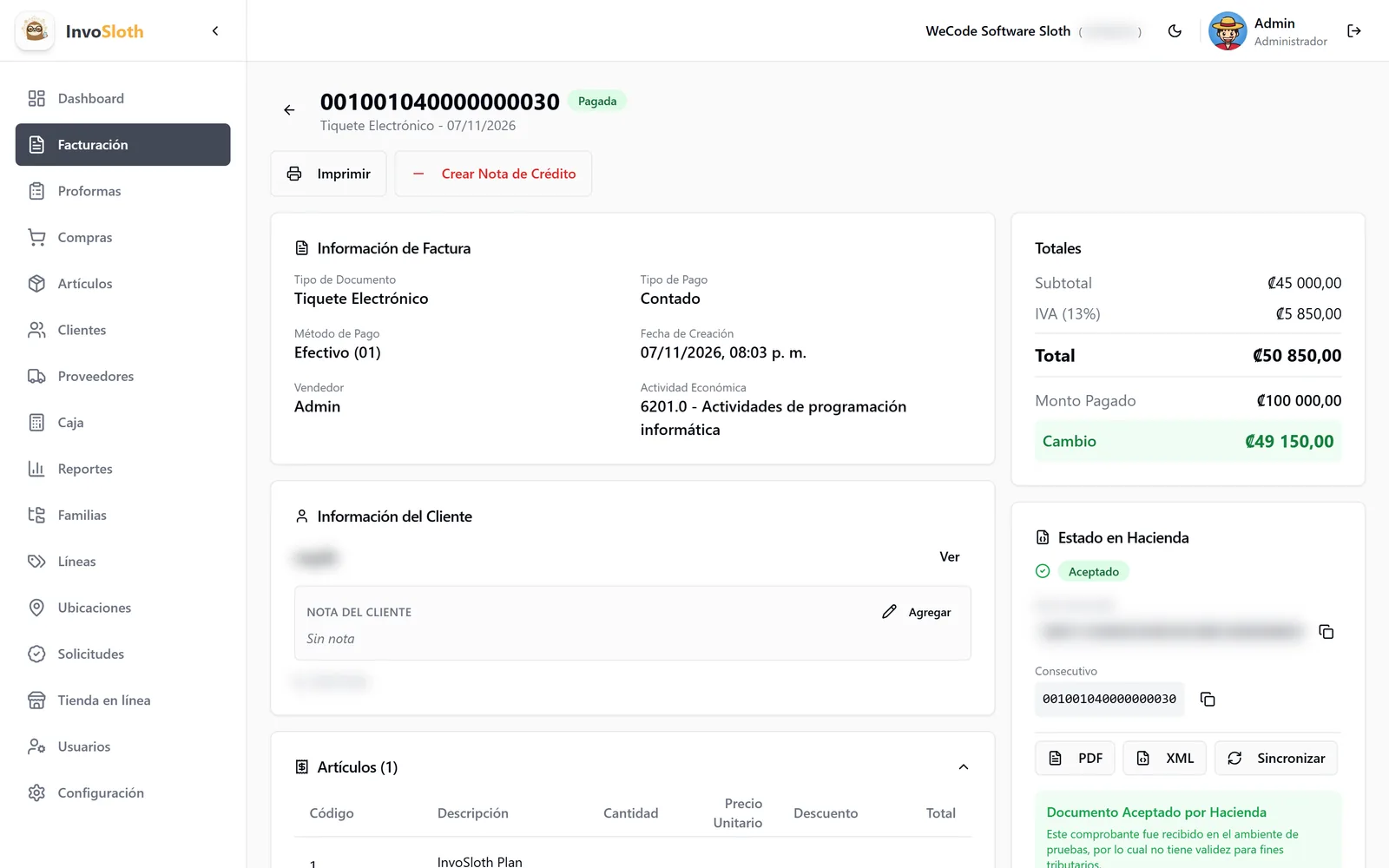
The document is sent to Hacienda automatically and accepted within seconds. Every sale has its PDF and XML, and if a customer returns something a credit note is issued from the same sale: the product goes back into inventory automatically.
5. Knowing what to order
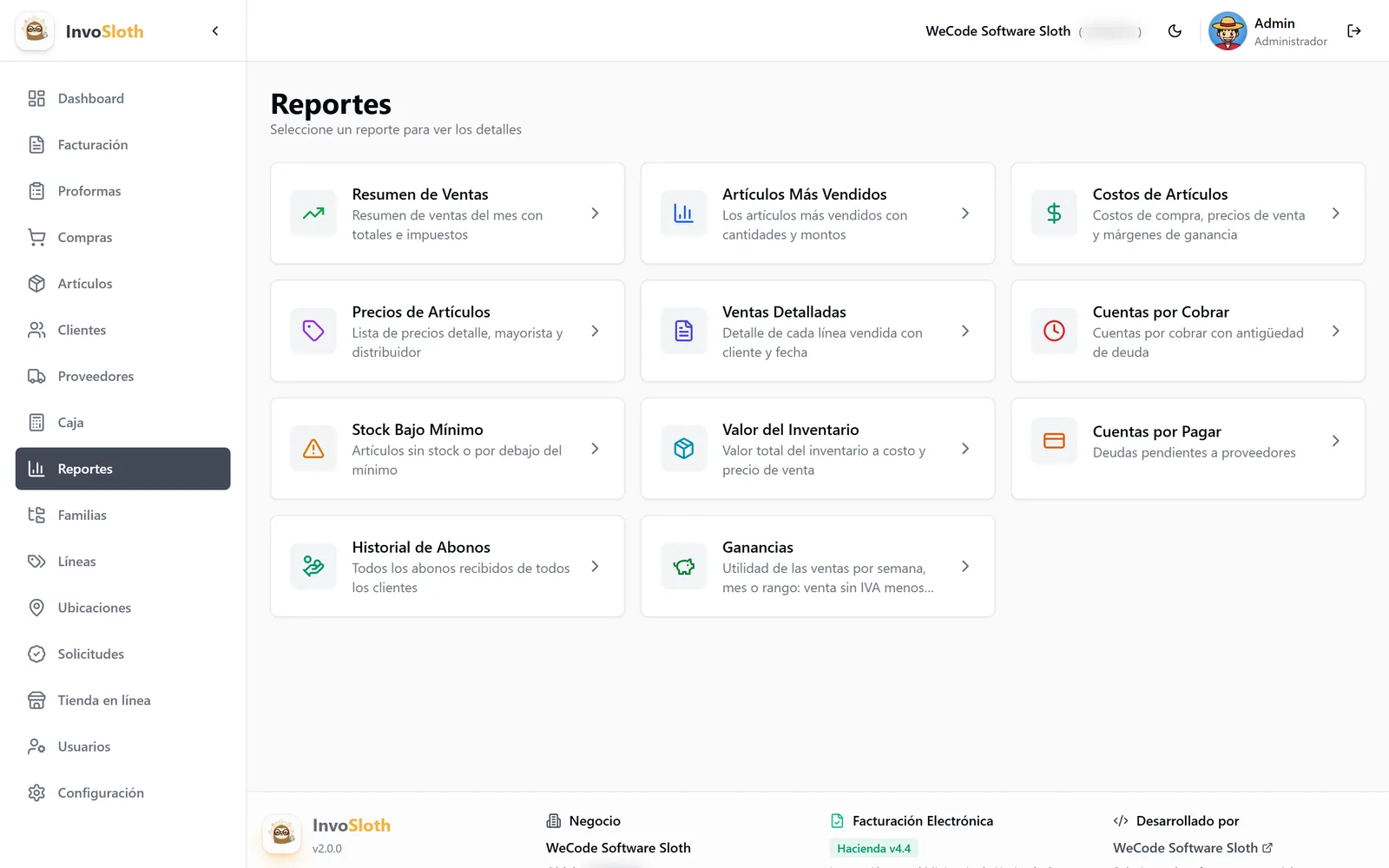
With the low stock and zero stock reports, KO Fishing sees which products are below their minimum and which are sold out before ordering from suppliers. When goods arrive, the entry is recorded and inventory stays up to date.
6. A trained team, no travel needed
So the whole team could learn without depending on a visit, we prepared short InvoSloth videos using their own kind of products: organizing inventory, creating an item, selling, handling a return with a credit note and keeping inventory up to date.
7. The online store
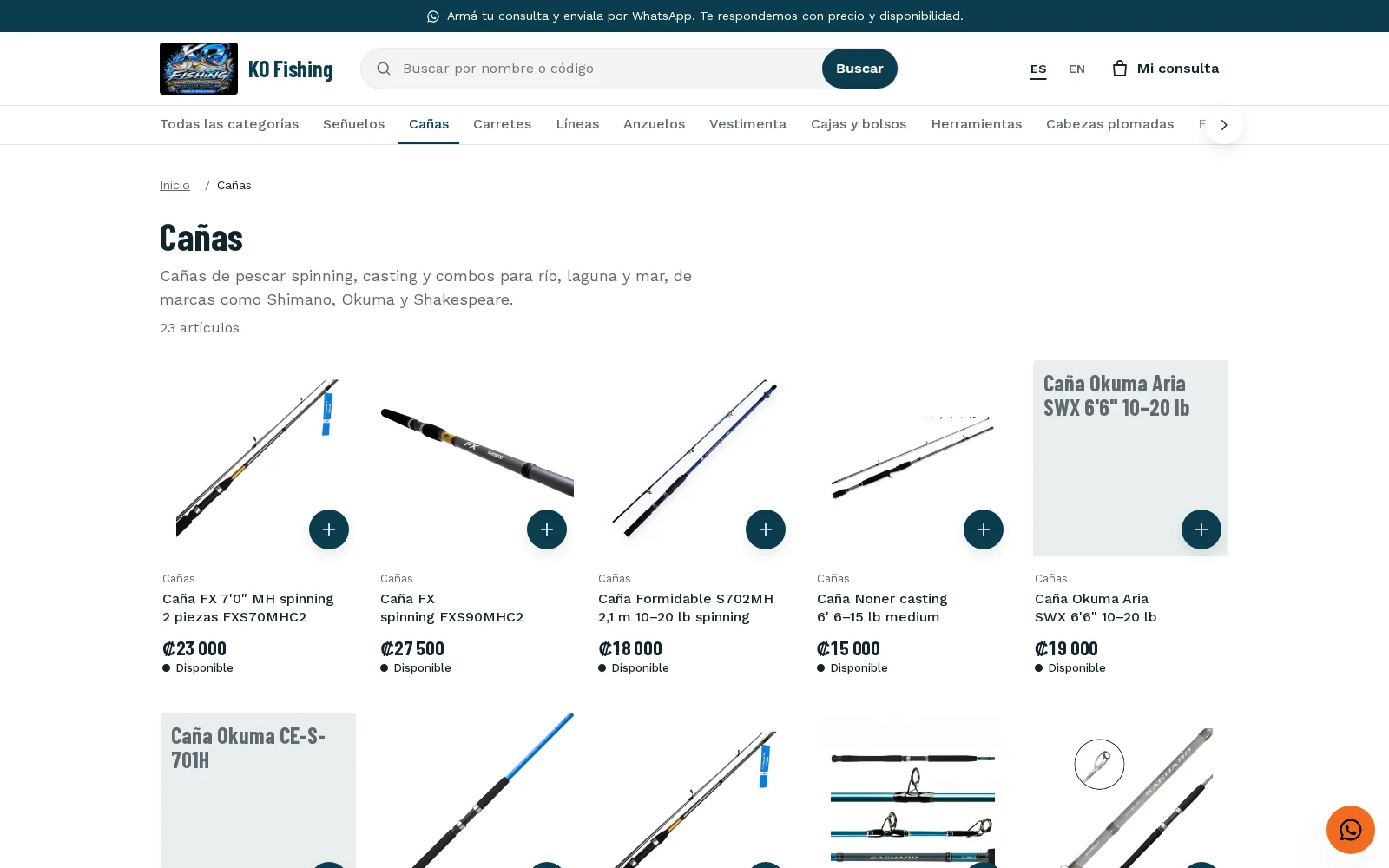
With inventory in order, the next step was publishing it with the InvoSloth online store. The store takes items, prices and availability directly from the system, without entering anything twice. Customers build their inquiry like a cart and send it via WhatsApp with each item's code, which the cashier scans or looks up to invoice.
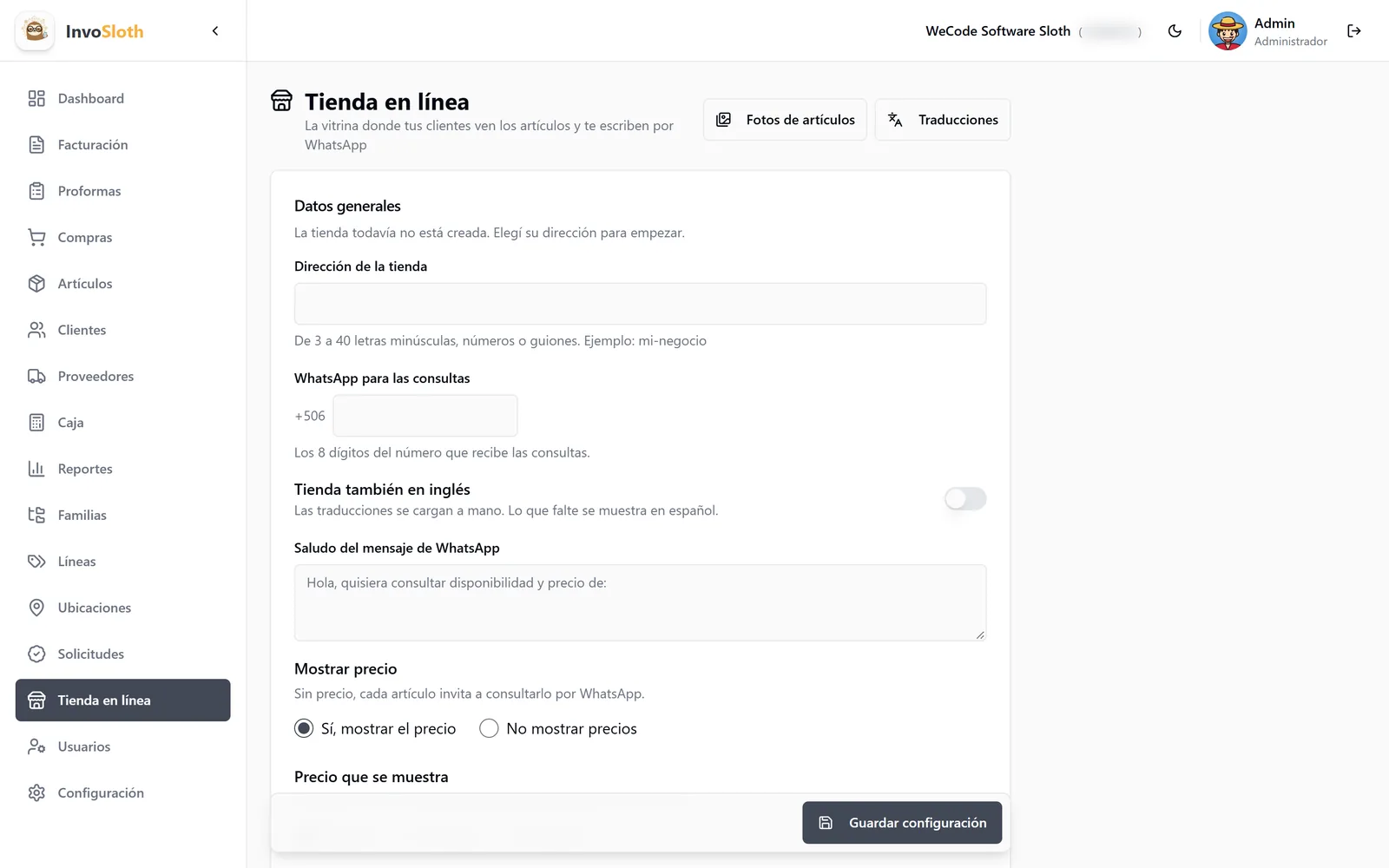
Store settings —WhatsApp number, which price to show, languages and whether it appears in search engines— are managed from InvoSloth itself.
What's next
The store already runs on its own domain, kofishingcr.com. Next steps are adding photos to every item, turning on English for international visitors and getting it found on Google, as we explain in get your online store on Google.