How to Get Your Online Store on Google
Your own domain, one page per product, Search Console, Google Business Profile and a bilingual store: the steps to get found on Google.
A store nobody finds is a store that doesn't sell. The good news is that, for a local business, showing up on Google doesn't require paid ads: it requires doing a few basic things right.
The steps
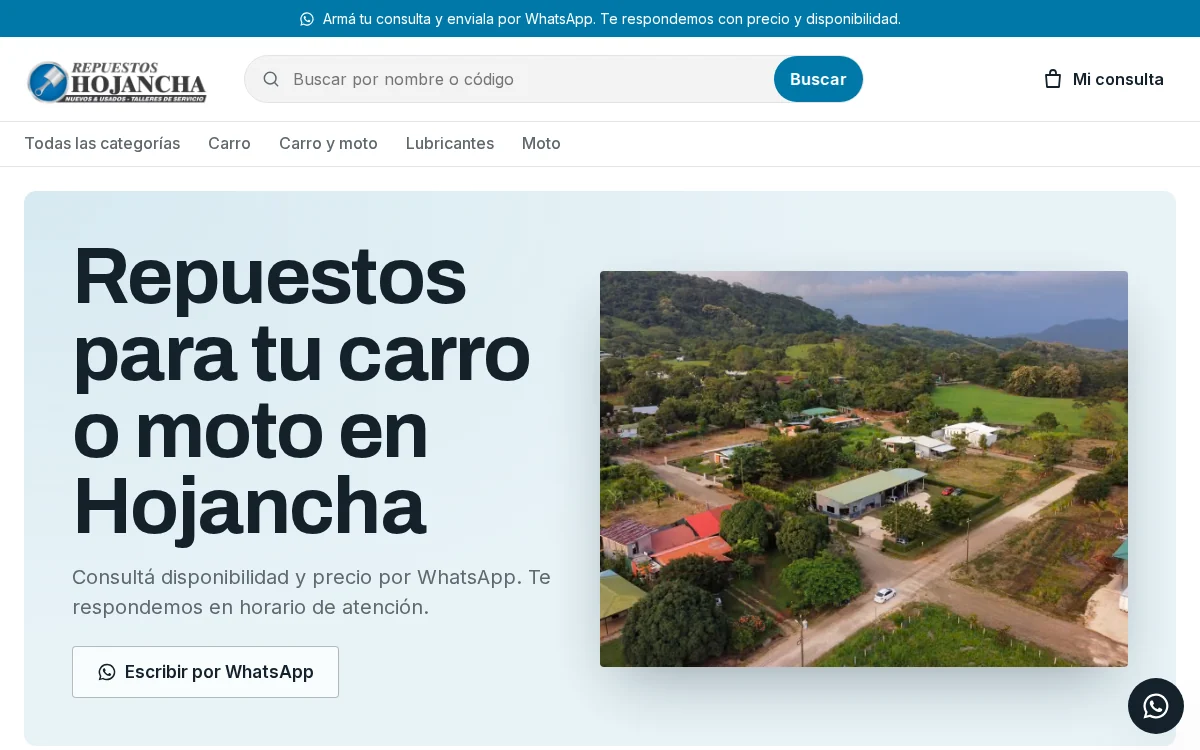
- Use your own domain (for example www.yourbusiness.com). It's easier to remember, builds trust and everything you do to rank it stays in your name.
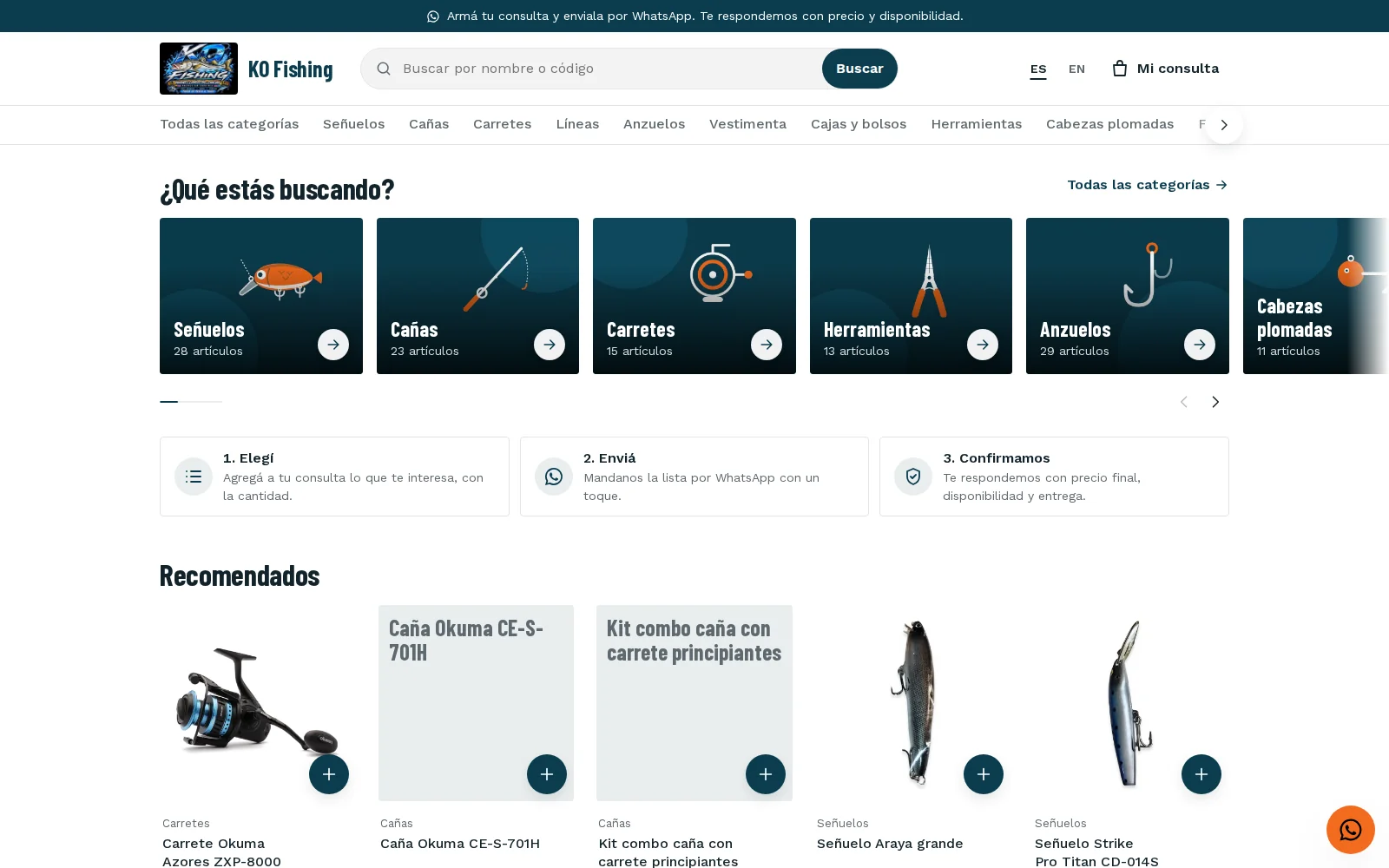
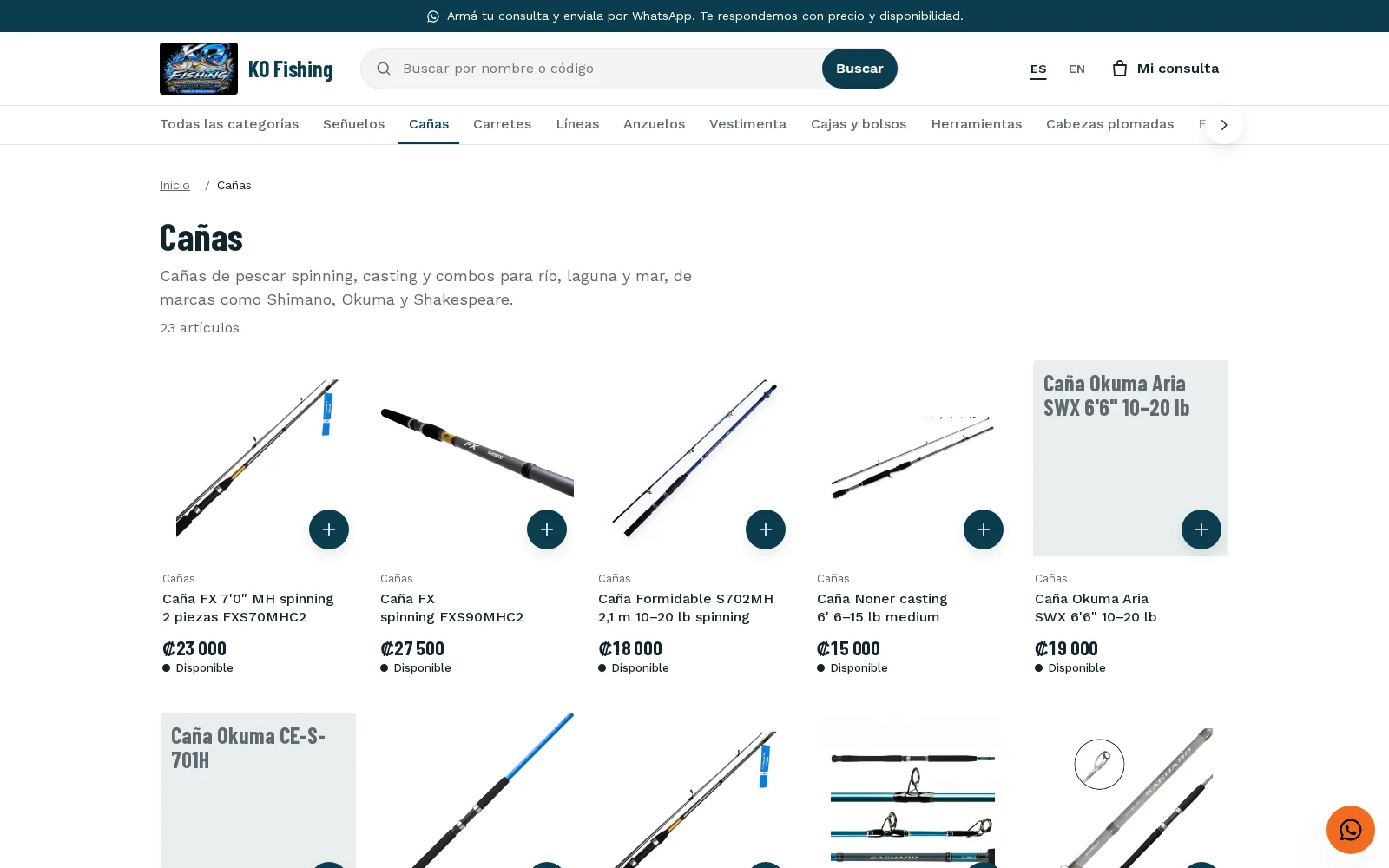
- One page per product with title, description, photo and price. Google indexes each item separately and can show it in results.
- Register the store in Google Search Console and submit the sitemap, so Google discovers your products faster and alerts you to errors.
- Create or update your Google Business Profile with the store link, opening hours and location. That's what shows on Google Maps.
- Share the store on your social media, WhatsApp status and email signature: links tell Google your store exists.
Selling to tourists and expats too
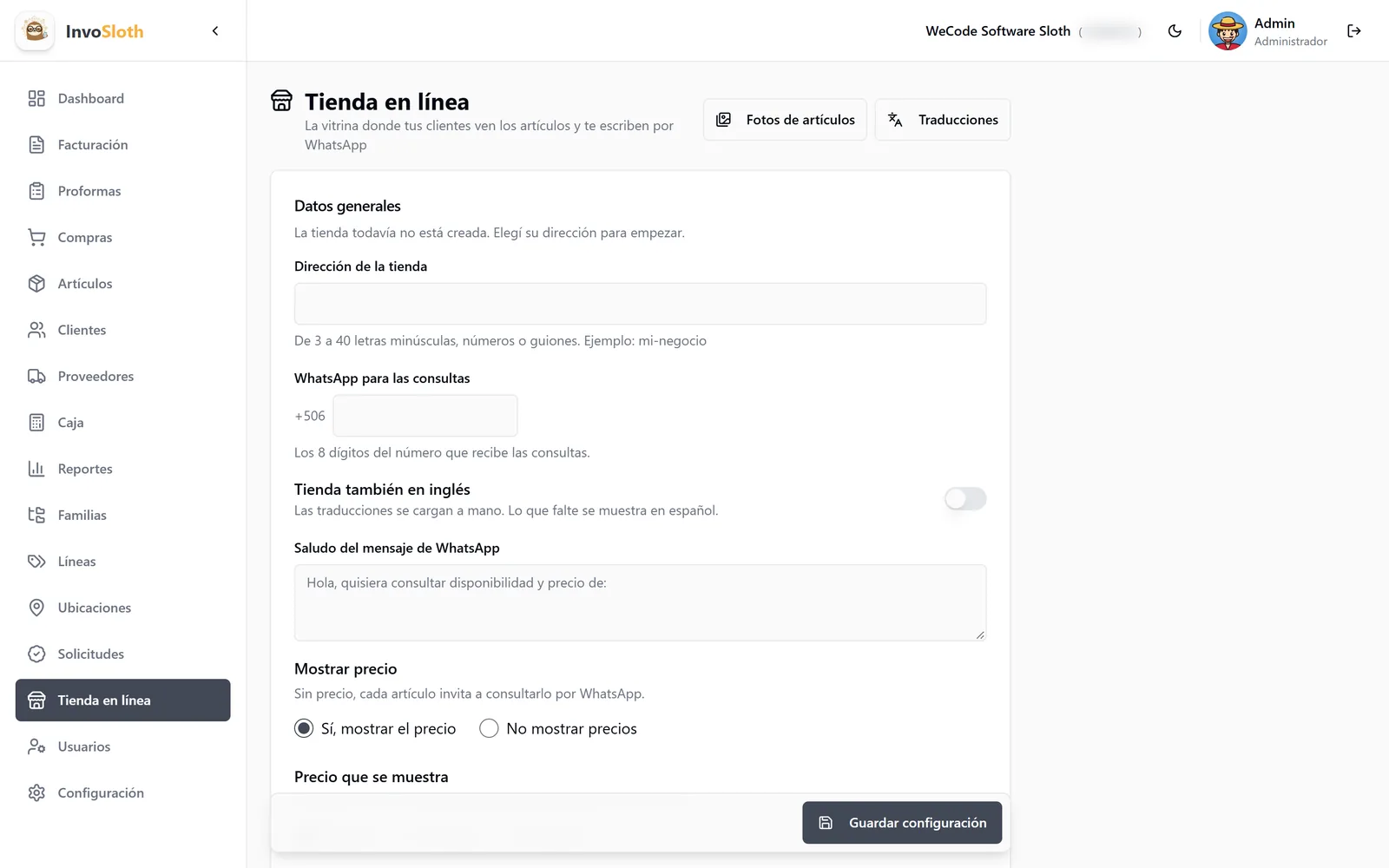
In areas like Guanacaste, many customers speak English. Having your store in Spanish and English, with hand-written rather than automatic translations, opens that market. For Google to show the right version to each person, each language needs its own address and must be properly linked to the other.
What to avoid
- Publishing products without a photo or description.
- Using the same text on every product.
- Hosting the store on a borrowed subdomain that isn't yours.
- Auto-translating the whole store into English.
The InvoSloth online store comes with your own domain, a page per product, sitemap, structured data for Google, an English option and a switch to hide it from search engines while you finish it. If your catalog isn't ready yet, start with photos and descriptions.