Product Photos and Descriptions That Sell: A Guide for Your Online Catalog
How to take product photos with your phone, write names people search for, show prices and availability, and organize your catalog by category.
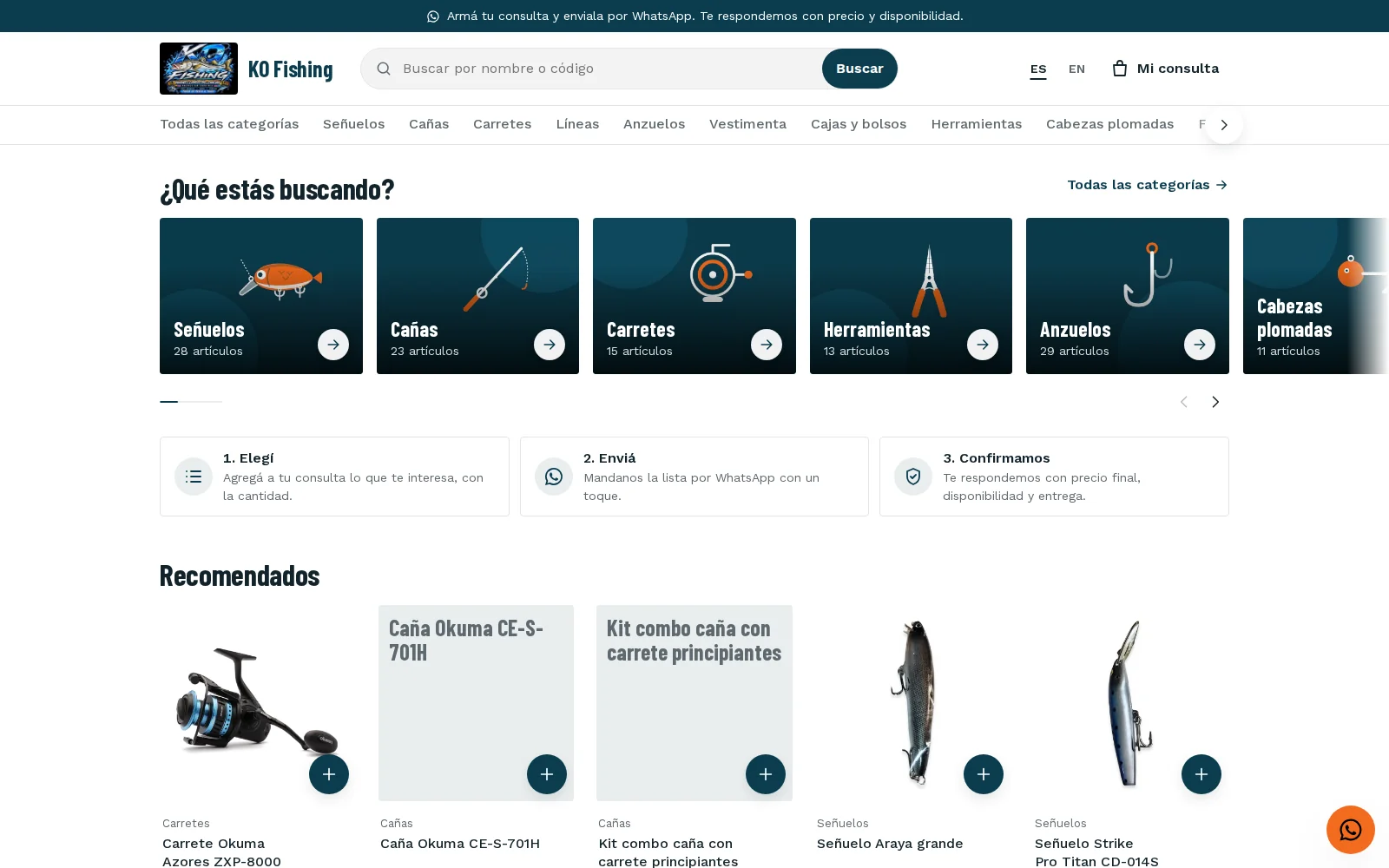
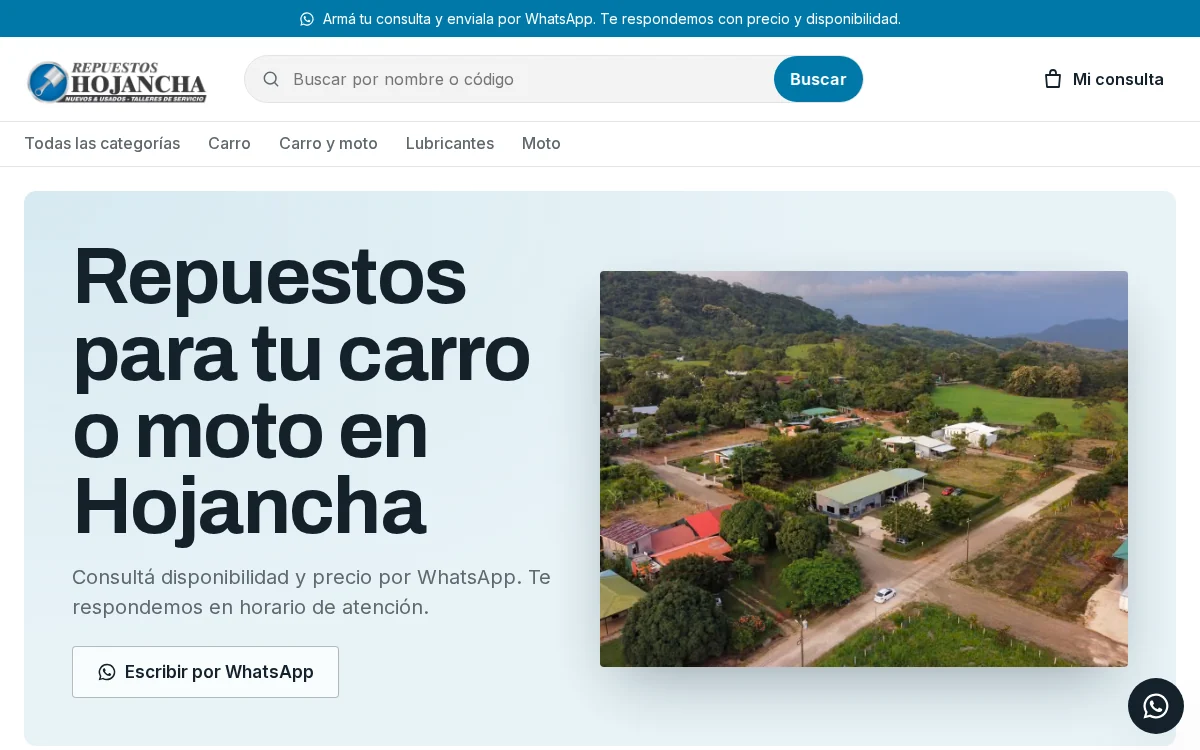
Your customers will reach your store on their phones, usually with one hand and from a WhatsApp or Instagram link. You have a few seconds for them to find what they want and decide to message you. These are the rules we apply when building catalogs for businesses in Costa Rica.
Photos: you don't need a studio
- Natural light: take photos next to a window, during the day, without flash.
- Clean background: a white poster board or a plain wall is enough.
- Three photos per product: one from the front, one in use and one close-up of the detail or label.
- Same framing for the whole catalog: the product centered and filling most of the frame. A consistent catalog looks professional.
- No text on top: price and description go on the page, not on the image.
Names people search for
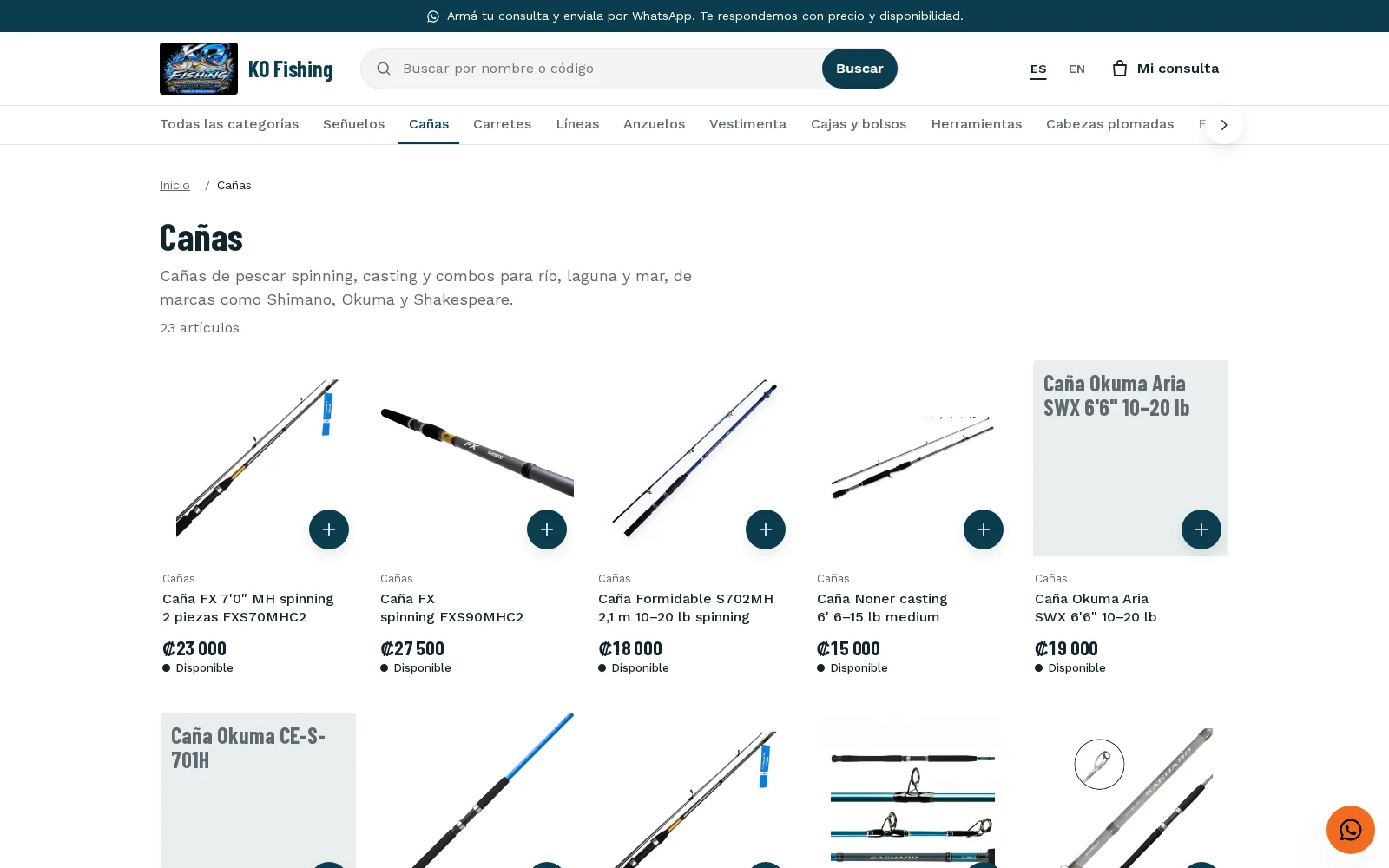
Write the name as your customer would search for it, not as it appears on the supplier's invoice: «Shimano 2500 spinning reel» finds more customers than «REEL SHI 2500». Include brand, model and what it's for.
Your own descriptions
Copying the manufacturer's text puts you up against hundreds of identical pages. Two or three sentences of your own work better: what it's for, who it's for and something only you know («ideal for shore fishing on the Pacific coast»).
Price and availability
- Show the price including VAT, even if it's a reference price. A store without prices creates distrust and more questions.
- In stock or sold out, without numbers: showing exact stock gives information to competitors; saying whether it's available is enough.
- Don't hide sold-out items: list them last with a button to ask when they arrive. That's a future sale.
Few, clear categories
Use the same families as your inventory, for example reels, rods and lures. If customers can't find something in two taps, they leave. A search by name or code covers what categories don't.
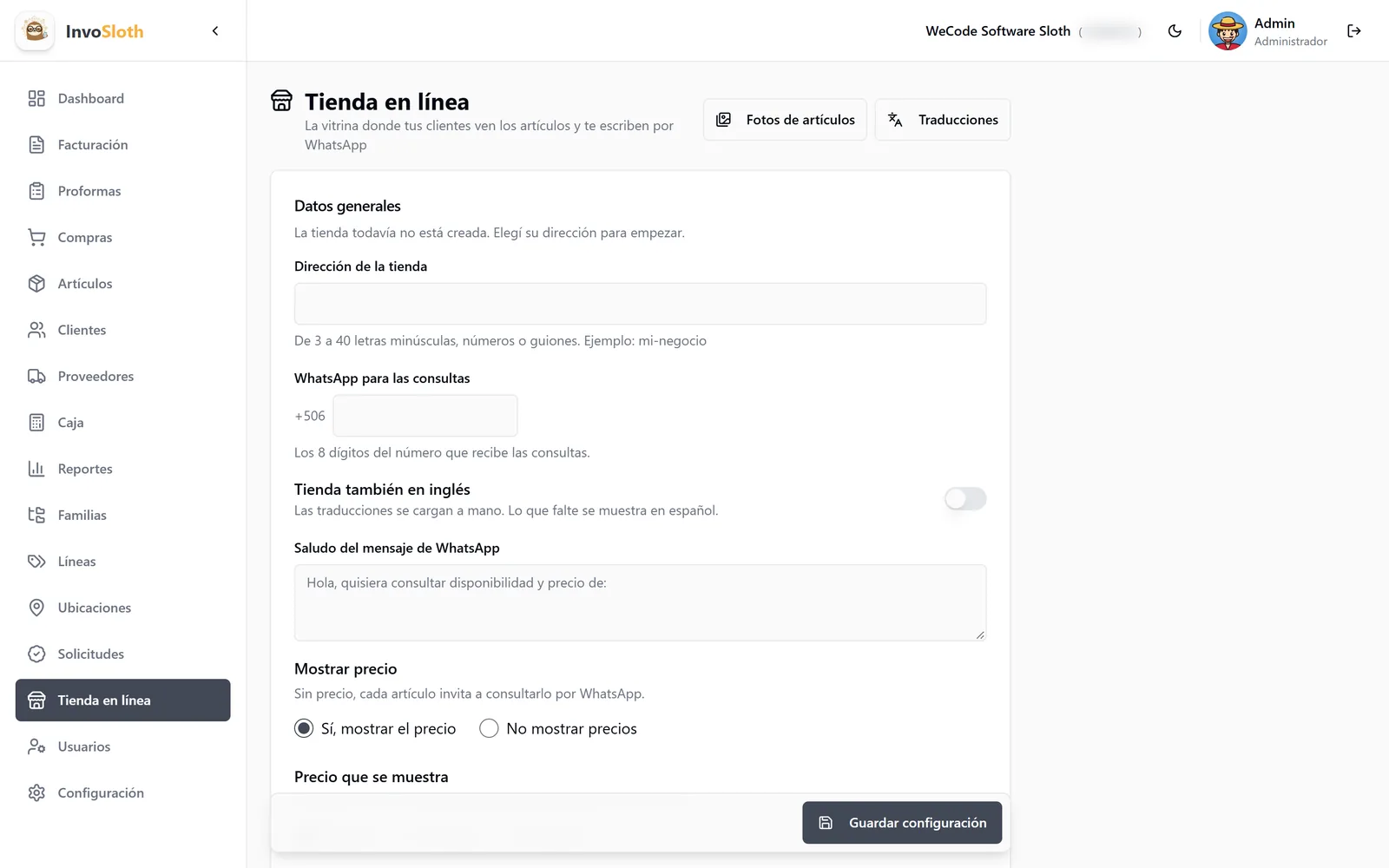
With the InvoSloth online store you upload photos and the web description from the item record, and price and availability come straight from your inventory. Once your catalog is ready, continue with how to get on Google.