How to Sell via WhatsApp in Costa Rica with an Online Store
Why Costa Rica sells through WhatsApp, when a showcase store beats online payments and why it must be connected to your inventory.
In Costa Rica almost everything is sold through WhatsApp. A customer sees something on Instagram or in a friend's status, writes «do you have this?» and the conversation ends with a SINPE Móvil transfer. The problem is that this process, which works so well, turns into chaos when you have hundreds of products: photos lost in the chat, outdated prices and the same question answered twenty times a day.
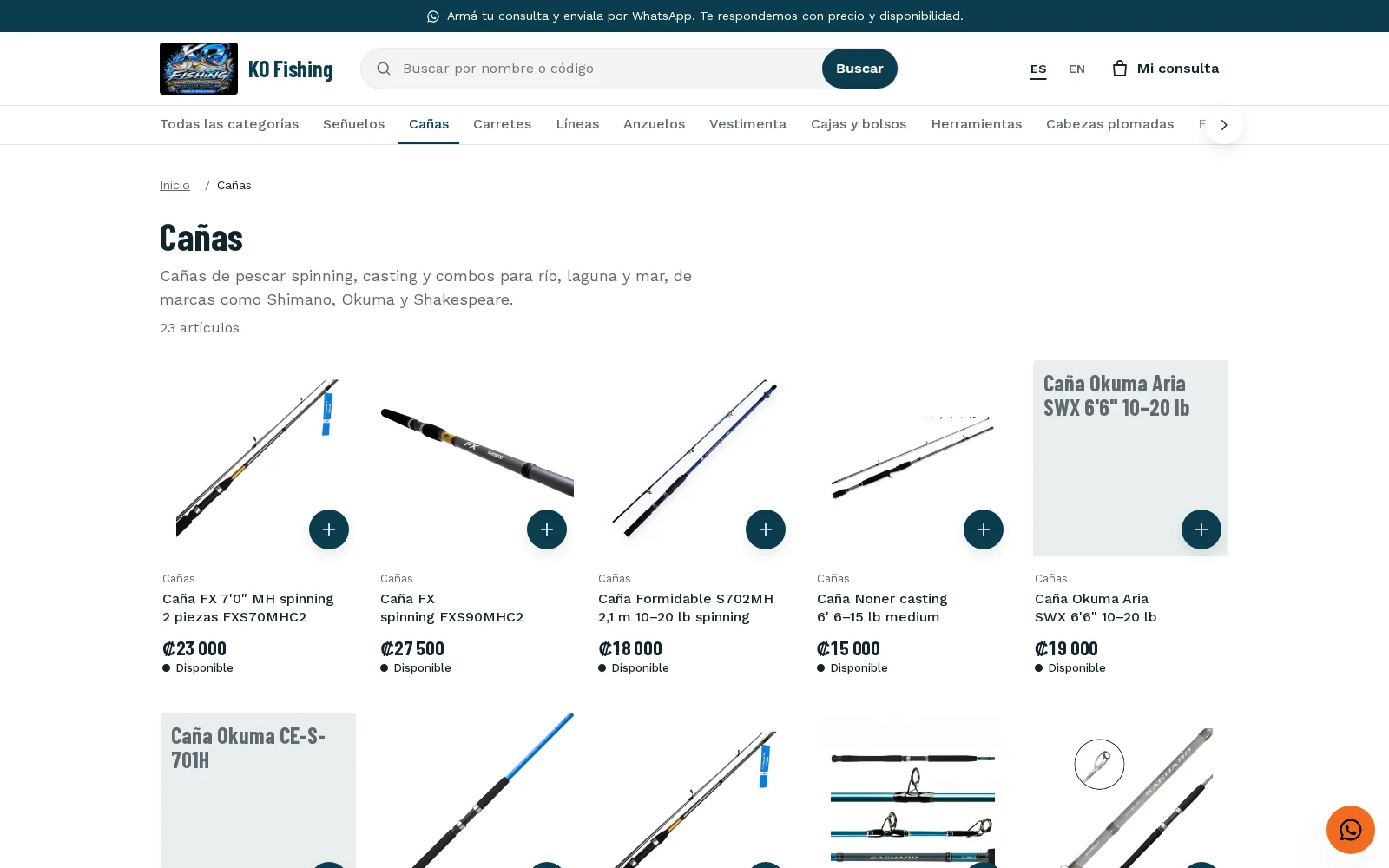
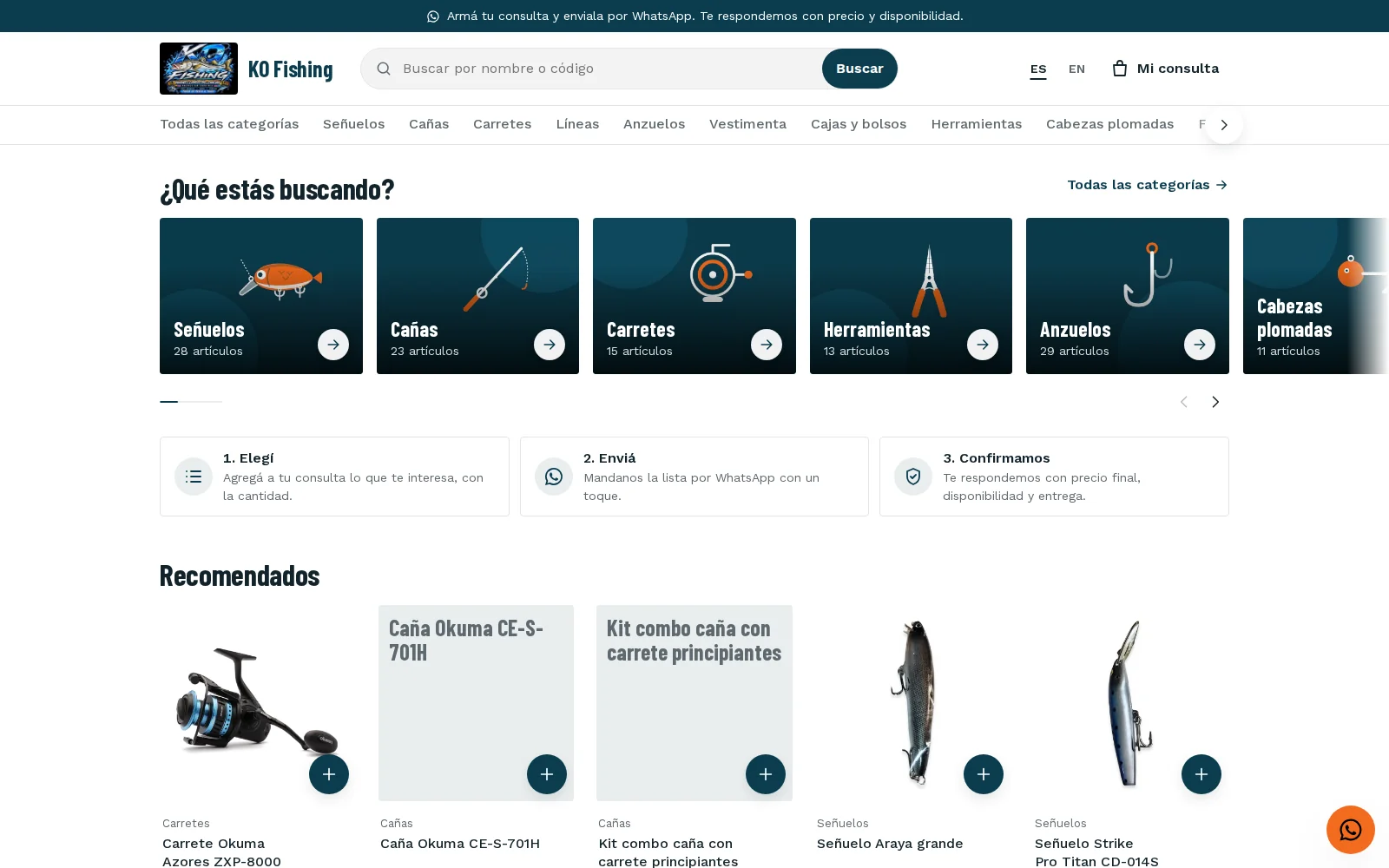
The answer isn't necessarily a store with online payments. For many businesses a showcase store with WhatsApp orders works better: customers browse your organized catalog, build their list and send it to you. You still close the sale as always, with much less work.
Why WhatsApp instead of online payments
- No gateway fees: you charge via SINPE Móvil or at your shop, without losing a percentage of every sale.
- Personal service: you can recommend, offer a similar item if something is sold out or arrange delivery.
- Confirmed prices and stock: in businesses with large inventories, confirming before charging avoids returns and complaints.
- Zero learning curve: every customer knows how to use WhatsApp.
The downside is that someone has to reply. That's why the message you receive must be well structured: which items, how many, their codes and the customer's area to quote shipping. That way you reply in seconds.
Why your store must be connected to your inventory
The most common mistake is building the store as a separate system. Within weeks, store prices no longer match the counter and items sold yesterday still show as available. When the store reads your inventory directly, price and availability update automatically with every sale and purchase.
And when the order arrives on WhatsApp with each item's internal code, your cashier looks it up or scans it at the point of sale and invoices in seconds. The online sale ends with its electronic ticket or invoice like any other.
Next steps
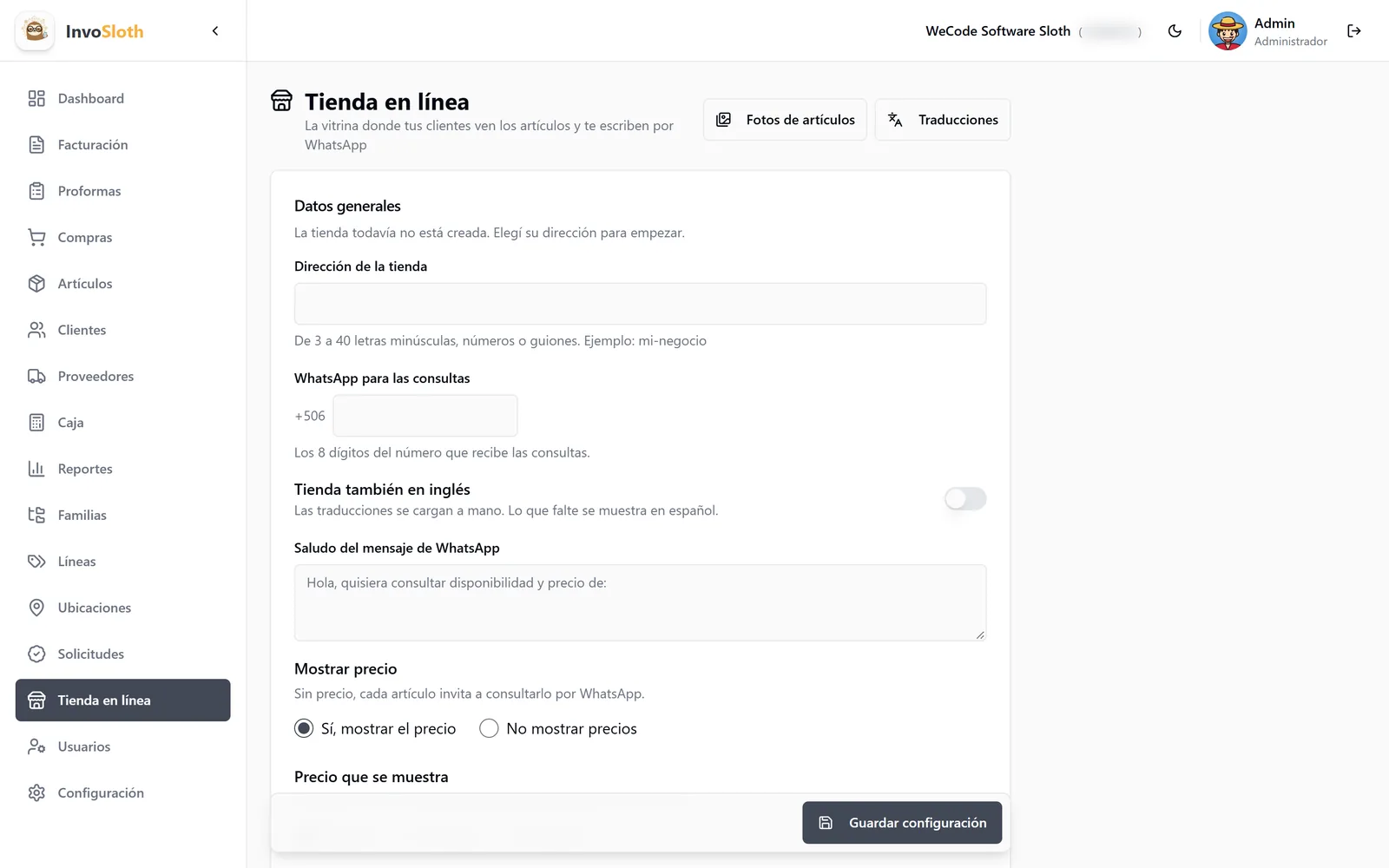
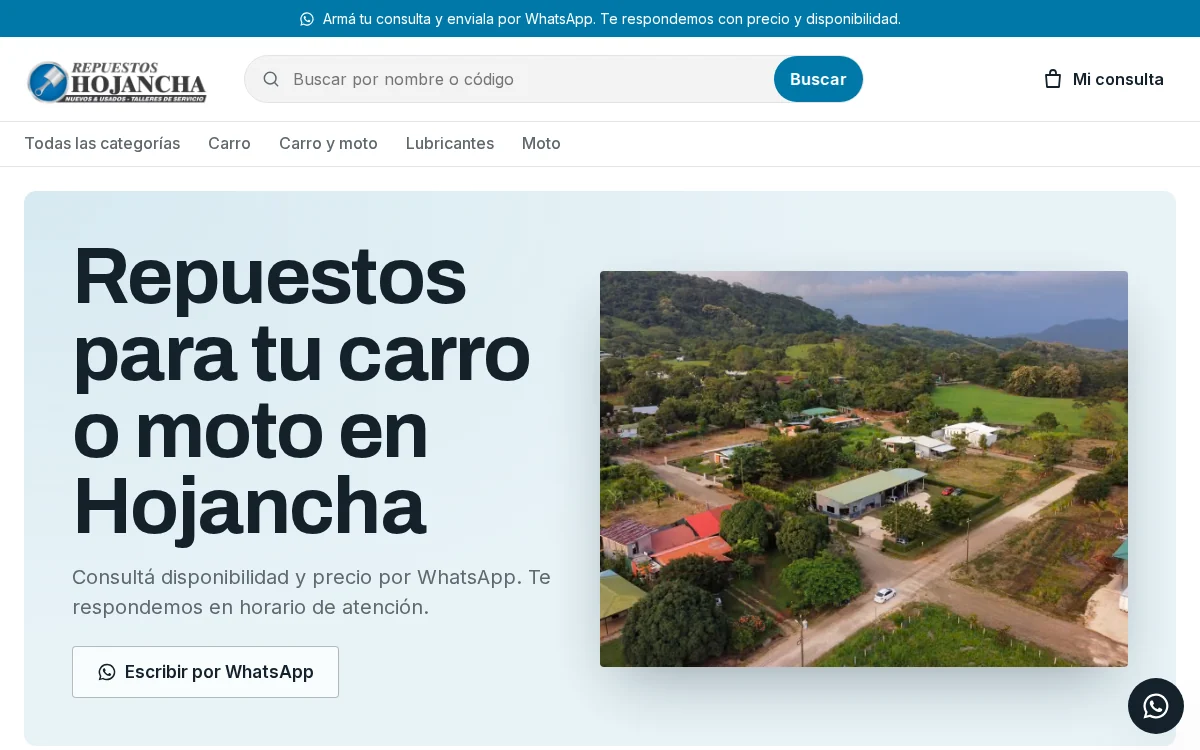
The InvoSloth online store works exactly like this: one store per business, with your domain and brand, connected to your InvoSloth inventory. Customers build «My inquiry» as if it were a cart and send it to your WhatsApp with one tap.